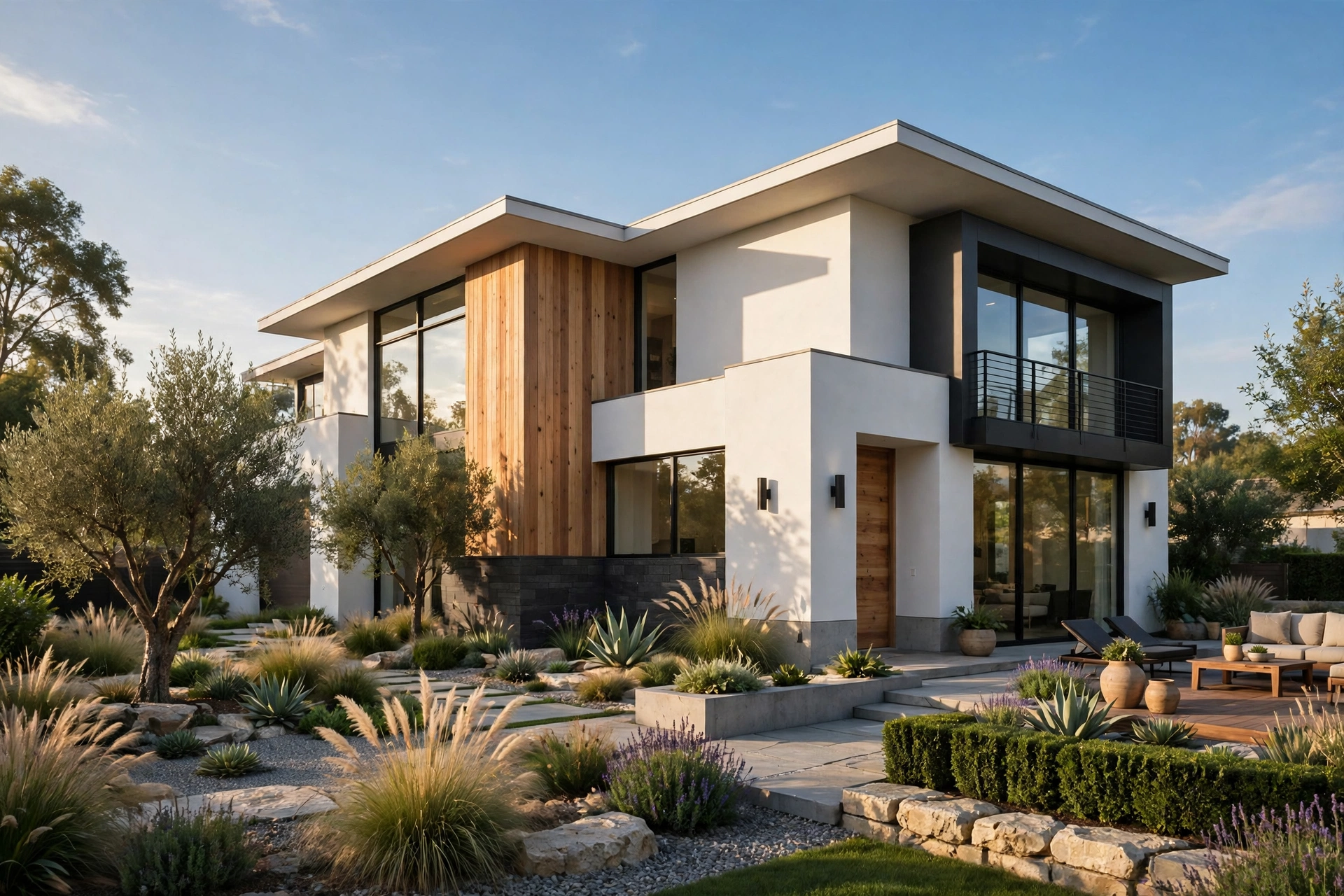
Twinmotion Tutorial for Beginners: Your First Render in 2026
Twinmotion is the fastest way for an architect to turn a model into a render a client can walk through. Built by Epic Games, the company behind Unreal Engine, it reads your SketchUp, Revit, Rhino, or ArchiCAD model and turns it into a living scene with sun, sky, trees, people, and weather in minutes. Drag materials onto surfaces, slide the sun across the sky, and watch the image update instantly. For architects who present designs before they are built, Twinmotion is one of the most practical tools in 2026, and it is free for many users.
What is Twinmotion and who is it for
Twinmotion sits between a modelling tool and a full game engine. Unlike V-Ray or Corona, which calculate light ray by ray and make you wait for each image, Twinmotion shows the finished image live while you work. Change a material and the render updates. Move the sun and the shadows move with it. It is built for architects, interior designers, landscape designers, and urban planners who present to people who do not read plans. It is the best tool for design meetings, client approvals, competitions, and early-stage visuals. Our best rendering software for architects roundup compares Twinmotion with Lumion, Enscape, V-Ray, and the other leading tools.
System requirements and pricing in 2026
Check your hardware first, because real-time rendering is only fast on a capable graphics card. Epic recommends a dedicated GPU with at least 8 GB of video memory, 16 GB of system RAM, and a solid-state drive. A modern mid-range card handles most residential scenes smoothly, while large commercial scenes benefit from 12 GB or more. Twinmotion runs on Windows and macOS. Pricing in 2026 is generous: it is free for students, educators, and anyone whose annual revenue is below one million US dollars, which covers most small studios and freelancers. Above that threshold, a commercial licence costs around 445 dollars per seat per year. The free tier is fully featured, not a trial. Download it from the Epic Games launcher and you can open your first scene within half an hour.
Importing your model: Direct Link and Datasmith
Your first job is getting the model in cleanly, and Twinmotion gives you two routes. Direct Link keeps your modelling software and Twinmotion connected live: change a wall in SketchUp or Revit and the scene updates without re-importing. Datasmith is the file-based route: export a .udatasmith file and import it, which suits teams where the modeller and the visualizer are different people. Whichever route you choose, clean the model first. Delete hidden geometry, unused layers, and stray objects far from the building, because everything in the file comes across and slows the scene down. Organize materials by name before import, because Twinmotion groups surfaces by material. After import, check the scale against a door: a model in the wrong units looks right until you add furniture and realise the chairs are twice the size of the room.
Materials that look real
Materials decide whether a scene looks photographed or computer-made. Open the material library, pick a material, and drag it onto a surface. Twinmotion ships with hundreds of PBR materials for wood, stone, brick, concrete, glass, metal, and fabric, each with colour, roughness, and bump maps built in. The trick is tuning them after you apply them. Set the scale of a wood floor so the boards match real dimensions, usually 12 to 20 centimetres wide, and rotate the grain so it runs the right way. Lower the roughness on polished concrete so it reflects the windows, and raise it on plaster so it stays matte. Glass needs special attention: set the transparency and tint, and check the reflection against the sky, because flat grey glass kills a render fast. Our photorealistic materials guide lists believable values for the common materials.
Lighting: sun, sky, and interiors
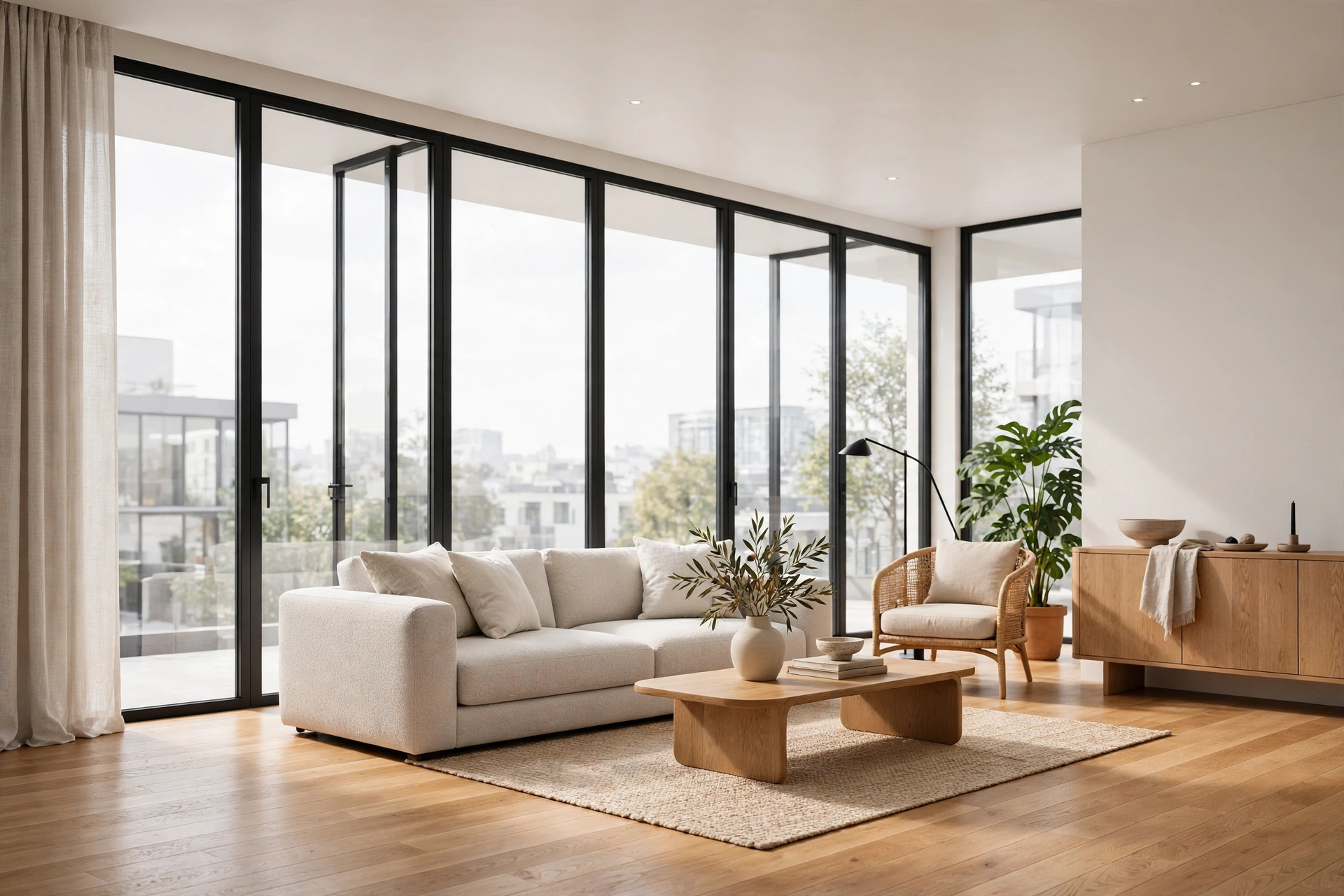
Lighting in Twinmotion is a slider, not a calculation, and that is its great strength for beginners. The sun and sky panel controls time of day, season, cloud cover, and location, so you can show a client exactly how their house looks at 4 pm in July or at 9 am in December. For interiors, add artificial lights where the design needs them: downlights in the ceiling, a pendant over the dining table, a warm strip under the kitchen cabinets. Use warm white around 2700K to 3000K for living spaces and cooler light for offices. The most common beginner error is lighting every room at full brightness, which flattens the image. Let corners stay a little dark, because contrast is what makes a room feel real. Check the scene at two times of day before you pick the hero view.
Vegetation, people, and entourage
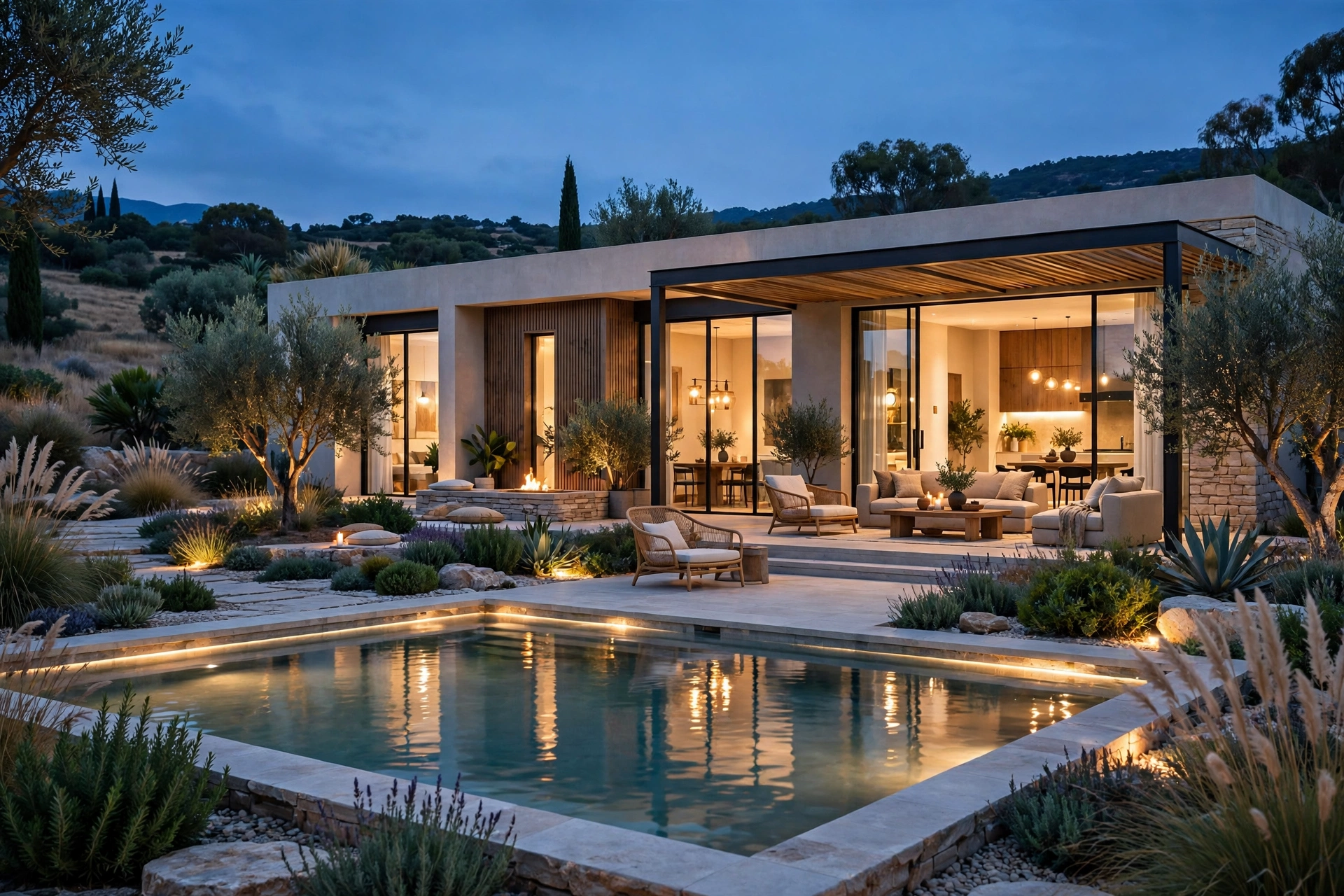
A building without its surroundings looks unfinished, and Twinmotion's asset library is where the scene comes alive. It holds thousands of trees, shrubs, grasses, people, cars, and furniture, all ready to drag in. Use the scatter tool to fill a lawn with grass or a slope with trees, but vary the scale and rotation of every plant, because identical trees in a row look like a video game. People need the same care: choose figures in clothes that match the season, place them at real scale against door heights, and keep them away from the centre of the frame unless they are the subject. The library also includes animated people and vehicles, which matter for video: a still image tolerates a frozen figure, but a walkthrough does not. For the placement rules that keep figures believable, read our guide to adding people to renders.
Cameras, phasing, and presentation tools
Twinmotion's presentation tools separate it from a simple renderer. The phasing tool shows construction stages: the same model can show the existing building, the demolition, and the new extension, and you can animate between them in a client meeting. Cameras work like real cameras, with focal length, field of view, and two-point perspective controls, so set eye level around 150 to 160 centimetres for interiors and keep vertical lines straight. Save several camera views as you work, because a client meeting moves fast and you will want to jump between the entrance, the living room, and the garden without fumbling. Presenter mode hides the interface and lets you walk through the scene live, which impresses clients far more than a folder of still images. Our Unreal Engine archviz guide explains where UE5 takes over when a project outgrows Twinmotion.
Rendering stills, panoramas, and video
When the scene is ready, Twinmotion exports still images, 360-degree panoramas, and video from the same scene. For stills, set the resolution to at least 3000 pixels on the long edge for marketing use, and 5000 or more for print. Panoramas are the hidden gem: one 360-degree image lets a client look around a room on their phone, and it costs no more effort than a still. Video is where Twinmotion earns its keep: set a camera path through the house, add a slow orbit around the garden, and export a 30 to 60 second clip. Keep camera moves slow and steady, because fast moves make viewers seasick and hide the design. Our render file formats guide explains which format goes to the client and which to keep as the master.
Five beginner mistakes to avoid
Most beginners make the same five mistakes, and all five are easy to fix. First, they import a messy model and blame the software for slow performance, when deleting hidden geometry and unused layers would fix it. Second, they use materials straight from the library without setting the scale, so floorboards look like planks and brick courses look like a dollhouse. Third, they light every room at full brightness and lose all contrast. Fourth, they scatter identical trees and people without varying scale or rotation, which makes the scene look cloned. Fifth, they export at low resolution and wonder why the image looks soft on a big screen. Avoid these five and your first Twinmotion render will look better than most studios' tenth. Before you deliver, run our render quality checklist against the final images.
Frequently asked questions
Is Twinmotion free?
Yes, for most users. It is free for students, educators, and anyone with annual revenue below one million US dollars. Commercial licences above that cost around 445 dollars per seat per year.
Is Twinmotion better than Lumion or Enscape?
It depends on your workflow. Twinmotion is free for most users and has the deepest asset library and presentation tools. Lumion is faster to learn and renders slightly better stills out of the box. Enscape is the simplest and lives inside your modelling software.
Which modelling software works with Twinmotion?
It connects directly to SketchUp, Revit, Rhino, ArchiCAD, and Vectorworks through Direct Link, and imports FBX, OBJ, and Datasmith files from almost any other tool.
Can Twinmotion make photorealistic renders?
Yes, for most marketing uses. With tuned materials and careful lighting, Twinmotion images look close to photographs. For the highest-end print work, V-Ray still has an edge on fine detail.
How long does it take to learn Twinmotion?
Most architects produce their first presentable render in one day and feel confident within two weeks. The interface is built for non-specialists.
Can I export a video walkthrough from Twinmotion?
Yes. Set a camera path through your scene and export a video at 1080p or 4K. Twinmotion also exports 360-degree panoramas and VR presentations.
Your first render is one afternoon away
Twinmotion rewards a simple habit: model cleanly, tune your materials, light with restraint, and check the image at full size before you share it. Follow this guide once and you will have a render worth showing a client, and a workflow you can repeat on every project. The results arrive in minutes instead of hours. If you would like finished renders that match your drawings exactly, send us your brief and tell us about your project. Our team will prepare a fixed quote and a clear timeline, because a fast Twinmotion concept starts the conversation, and a professional render closes the sale.
Written by
Architecture Designing Team
3D Visualization Studio