Best AI Rendering Tools 2026: Veras, mnml and Rendair
AI rendering tools changed architectural visualization in a single year. What once took a studio a full day, a finished-looking concept render from a rough SketchUp model, now takes minutes, and architects who ignored AI in 2024 are testing it in 2026 because clients expect faster concepts and cheaper early-stage visuals. The tools are real, the results can be impressive, and the marketing is louder than the truth. Some tools produce beautiful images that no builder could ever construct, others quietly save hours on real projects. This guide compares the leading AI rendering tools of 2026 on what actually matters: output quality, control, speed, price, and where each one fits in a professional workflow.
How AI rendering tools actually work
Most AI rendering tools start from the same idea. You give the tool a rough input, usually a SketchUp model, a screenshot, a hand sketch, or a photo, plus a text prompt describing the style, materials, and mood you want. A diffusion model then generates a finished-looking image that follows the geometry of your input while inventing the materials, lighting, and details. The best tools keep the structure of your model faithfully, so walls stay where you put them and windows keep their size. The weaker ones drift, moving openings and bending proportions, which fails the moment the image is measured against a plan. That difference, control versus invention, is the first thing to test in any tool. A tool that respects your geometry is a design tool. A tool that invents freely is a mood board generator, useful for inspiration but dangerous for client presentations. Before choosing any AI tool, read our honest AI rendering versus human artist comparison.
Veras: the SketchUp favourite
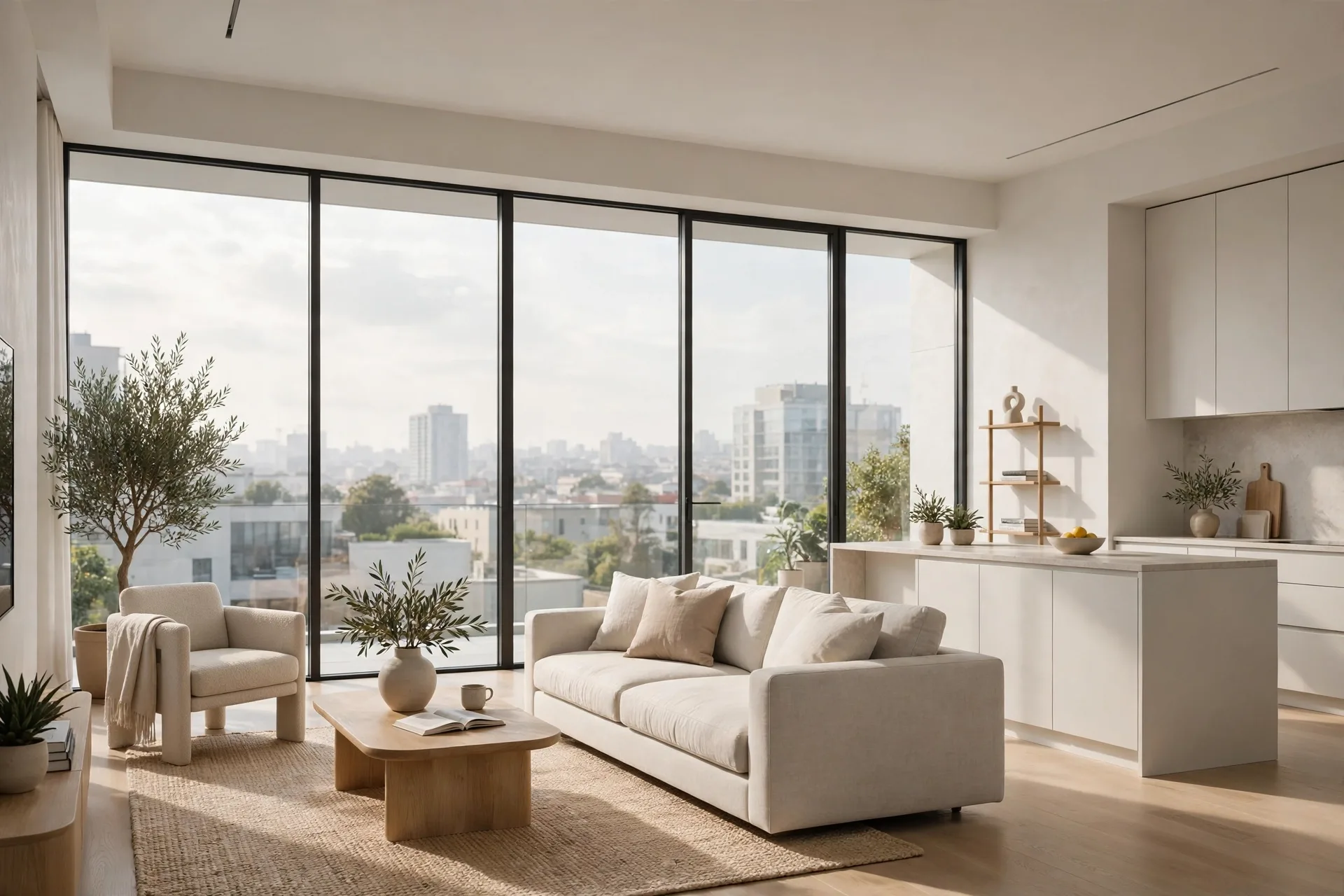
Veras, by EvolveLAB, is the AI rendering tool most architects meet first, because it lives inside SketchUp, Revit, Rhino, and Vectorworks as a plugin. You work on your model, open the Veras panel, type a prompt such as "modern living room, oak floor, warm afternoon light", and get a rendered image in under a minute. Its strength is geometry fidelity: Veras follows the model closely, so the image you show a client matches the design you modelled. It offers exterior, interior, and landscape modes, a prompt strength slider, and a seed system for consistent variations. Pricing in 2026 is around $50 per month, with a free trial that limits output resolution. Veras suits early design stages, concept meetings, and competitions where speed matters more than pixel-perfect accuracy. Its weakness is detail: close inspection often reveals warped fixtures and materials that change between views, so label Veras images as concepts, not final renders.
mnml: fast concepts from a screenshot
mnml takes a simpler approach. Upload a screenshot of your model or a photo of a space, add a short prompt, and mnml returns a finished render in seconds. There is no plugin to install and no modelling skill needed, which makes it popular with interior designers and real estate agents who need a quick visual, not a design tool. Its 2026 pricing starts with a free tier of limited renders per month, with paid plans from around $20 to $40 per month for higher resolution and commercial use. The output quality is strong for interior concepts, with convincing materials and lighting, but mnml has less control than Veras: you cannot lock geometry as tightly, and the same prompt can produce very different results from one run to the next. That makes it excellent for exploring styles and for staging an empty room, and weak for anything that must match drawings. Use mnml when the goal is to show a client a feeling, such as a warm Scandinavian living room, and use a traditional renderer when the goal is to show the exact design. For the finished-image standard mnml is aiming at, see our guide to how to make renders look realistic.
Rendair: the all-in-one AI studio
Rendair positions itself as a complete AI rendering studio rather than a single tool. Upload a model screenshot or a sketch, and Rendair generates interior and exterior renders, offers style presets, and includes tools for virtual staging, image upscaling, and background replacement. Its interface is built for non-technical users: pick a room type, pick a style, and the AI does the rest. Pricing in 2026 runs from a free trial to paid plans around $25 to $60 per month depending on render credits and resolution. Rendair is strong on interiors, especially residential rooms, and its staging features make it useful for property marketing, where a furnished image sells faster than an empty one. Its weakness is the same as every browser-based generator: limited control over geometry, and results that can vary between runs. Rendair suits designers who need many good-looking images quickly, but it does not replace a rendering pipeline for planning submissions, where accuracy is not optional.
Other tools worth knowing in 2026
Beyond the big three, several tools deserve a look. LookX AI focuses on architectural exteriors and offers strong style control for facades and massing studies. ArchiVinci specialises in exterior renders from a single sketch or photo. PromeAI covers architecture, interiors, and product visuals in one subscription, with a generous free tier. D5 Render and Lumion are not AI generators, but both added AI features in 2026: D5 AI atmosphere generation and Lumion AI upscaling speed up traditional workflows without giving up control, and for many studios that hybrid is the sensible path. Our best rendering software for architects roundup compares these traditional tools in depth, and our D5 Render versus Lumion comparison covers the two AI-enhanced real-time renderers head to head. No single AI tool does everything: the best results in 2026 come from combining an AI concept tool with a traditional renderer for finals.
Price, speed and control compared
On price, mnml and PromeAI are the cheapest entry points, with free tiers and paid plans under $40 a month, while Veras sits around $50 and Rendair and LookX land between $25 and $60 depending on credits. All are far cheaper than a traditional renderer licence, but that comparison misleads, because AI tools do not produce the same deliverable. On speed, every AI tool wins: a concept image arrives in 30 seconds to two minutes, against hours for a traditional render. On control, the order reverses. Traditional renderers give exact control over every material, light, and camera. Veras gives good geometry control. mnml, Rendair, and the browser tools give the least, trading control for simplicity. On consistency, AI tools are the weakest of all: the same prompt rarely produces the same image twice, so a set of ten matching views is hard, and that is exactly what a marketing package needs. Most professionals now use AI for concepts and traditional rendering for finals.
How to use AI renders professionally
The studios using AI well in 2026 follow a few simple rules. First, label AI images as concepts in client presentations, because a client who mistakes an AI image for a final render will ask for the impossible later. Second, never submit an AI render for planning permission or construction, where dimensions and materials must be exact, because AI invents details that do not exist in the model. Third, use AI where it is strongest: early massing studies, style exploration, mood boards, and social media concepts, where speed matters and exactness does not. Fourth, keep the human in the loop: an artist who checks AI output against the model, fixes the warped details in Photoshop, and re-renders the finals traditionally will always beat a raw AI output. Fifth, check the licence: some free plans restrict commercial use. Finally, budget honestly: prompting and fixing errors takes time. If you want to know what a finished professional render costs, read our 3D rendering cost per image breakdown.
Frequently asked questions
What is the best AI rendering tool in 2026?
No single tool wins. Veras is best for SketchUp and Revit users who want geometry control, mnml for fast interior concepts, and Rendair for all-in-one interiors and virtual staging. Most professionals combine one AI concept tool with a traditional renderer for finals.
Can AI rendering replace a 3D artist?
Not for final deliverables. AI is excellent for concepts and early client meetings, but it invents details and changes proportions, so it cannot guarantee an image matches the drawings. Finals for marketing, planning, and construction still need a human artist.
How much do AI rendering tools cost?
Most leading tools cost $20 to $60 per month in 2026, with free tiers that limit resolution or monthly renders. That is cheap next to traditional software and hardware, but AI tools produce concept images, not finished deliverables.
Are AI renders accurate enough for clients?
Yes for concept presentations, if they are labelled as concepts and the geometry is checked against the model. No for planning submissions or construction documents, where dimensions and materials must be exact.
Can I use AI renders commercially?
Usually yes on a paid plan, but terms differ by tool, and some free plans restrict commercial use. Check the licence of the tool you use before an image goes into a paid campaign or a client deliverable.
Will AI rendering get better?
Yes, quickly. Geometry control, consistency between views, and material accuracy improve every few months. Learn the tools now, while keeping traditional rendering for the finals clients pay for.
Use AI for speed, keep artists for finals
AI rendering tools are useful in 2026, and the architects who dismiss them will lose time to the ones who do not. But the tools are concept generators, not replacements for a rendering studio, and the gap between a fast AI image and a finished professional render is wide. Use Veras, mnml, or Rendair to explore ideas quickly and win the early conversation with your client, then bring in a human artist for the images that sell the project. If you would like finished renders that match your drawings exactly, send us your brief and tell us about your project. Our team will prepare a fixed quote, a clear timeline, and photorealistic images checked before delivery, because an AI concept starts the conversation, and a professional render closes the sale.
Written by
Architecture Designing Team
3D Visualization Studio