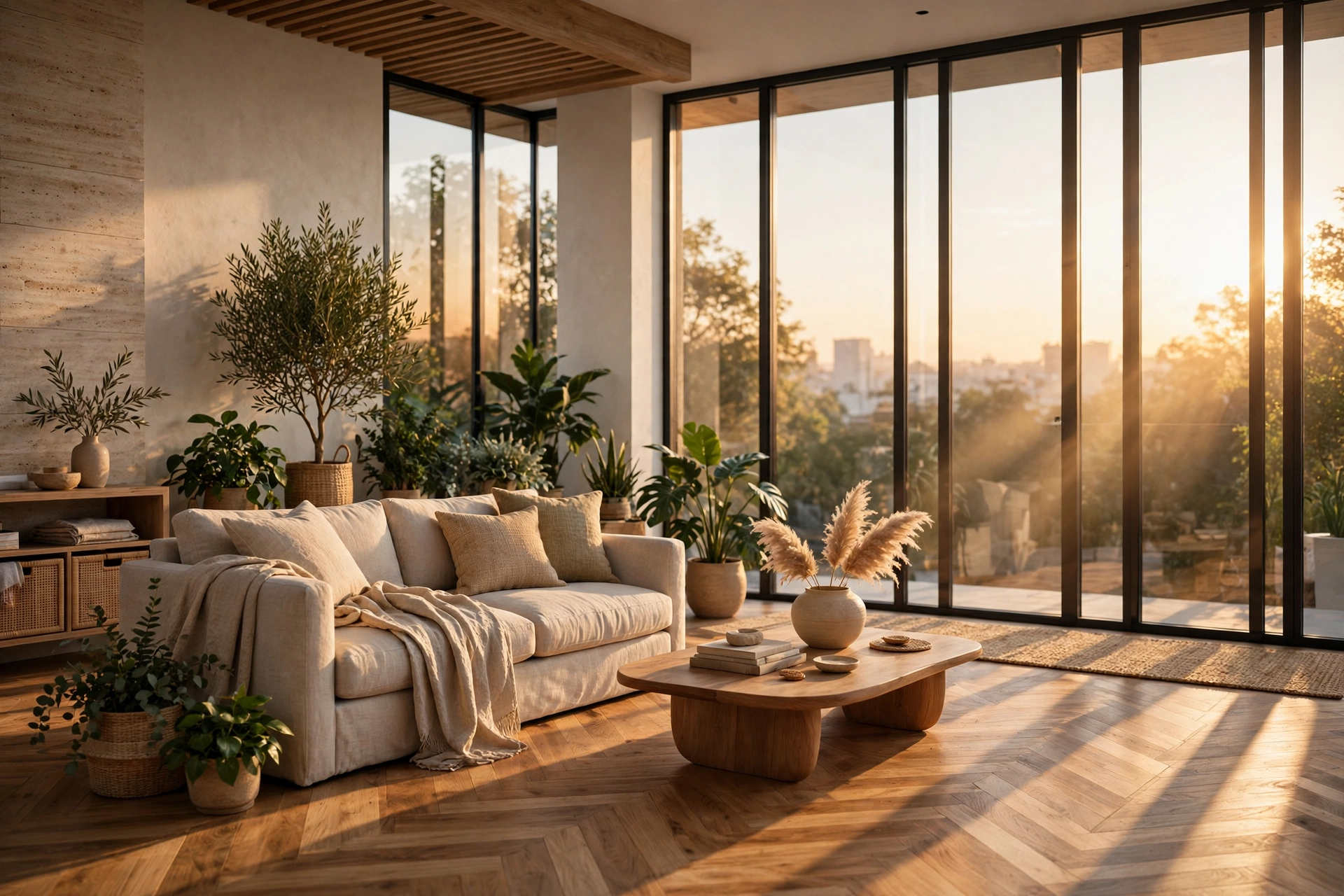
How to Make Renders Look Realistic: 12 Pro Tips
Every architect and visualization artist has seen it: a render that is technically correct but somehow feels fake. The walls look flat, the light feels wrong, and the whole image reads as computer-generated instead of a photograph of a real place. Photorealism is not about owning the most expensive renderer. It is about understanding how light, materials, and cameras behave in the real world, and then reproducing those behaviors with discipline. This guide covers the twelve techniques that make the biggest difference, drawn from daily studio practice on real client projects.
1. Start with a clean, accurate model
Realism begins before you ever press render. A model with wrong proportions, paper-thin walls, or floating furniture will never look real, no matter how good your materials are. Real walls have thickness, usually 200 to 300 millimeters for exterior walls and around 100 millimeters for interior partitions. Doors, windows, and furniture should follow real dimensions, not approximate ones. Check ceiling heights too: a 2.4 meter ceiling feels very different from a 3 meter one, and clients notice the difference even if they cannot name it.
Model the details people expect to see. Skirting boards, door frames, window reveals, and handles all catch light and cast small shadows that tell the eye the scene is real. Avoid perfectly sharp edges everywhere. In the real world, almost no edge is razor sharp. A tiny bevel of 1 to 2 millimeters on countertops, table edges, and wall corners catches a highlight and removes the unnatural CG look. Most renderers, including Corona Renderer and V-Ray, reward this kind of modeling care immediately.
2. Get materials right with PBR textures
The single biggest realism upgrade for most artists is switching from flat colors to physically based rendering (PBR) materials. A PBR material uses a set of texture maps: color, roughness, bump or normal, and sometimes metalness. Wood is not just brown. It has grain direction, roughness variation, and subtle color shifts. Concrete has pores, stains, and uneven reflectivity. When you use only a color map, every surface looks like painted plastic.
Use high-resolution textures, at least 2K for hero surfaces close to the camera, and set their real-world scale correctly. A wood floor texture stretched across a whole room looks wrong because the planks are the wrong size. Most material libraries let you set a UV scale in centimeters or meters: use it. Keep roughness maps varied. A perfectly uniform roughness value is one of the fastest ways to make a material look fake. For a deeper dive into material setup, see our V-Ray for SketchUp beginner guide.
3. Light like a photographer, not like a computer
Beginners often flood a scene with bright, even light. Real interiors are never lit evenly. There is always a key light source, usually the sun or a large window, and everything else is fill. Start with one dominant light, then add weaker supporting lights only where the scene actually needs them. For daylight interiors, an HDRI sky or a physical sun and sky system gives believable color and direction in one step.
Watch your exposure. Overexposed windows that blow out to pure white are a classic giveaway. Real cameras balance interior and exterior brightness, and modern renderers can too, using photographic exposure controls. Aim for soft, believable shadows rather than razor sharp ones. Slightly blurred shadow edges, produced by larger light sources, read as natural. If your interior still feels dark, add bounce light or a subtle fill rather than cranking the sun intensity, which only creates harsh contrast.
4. Use realistic camera settings
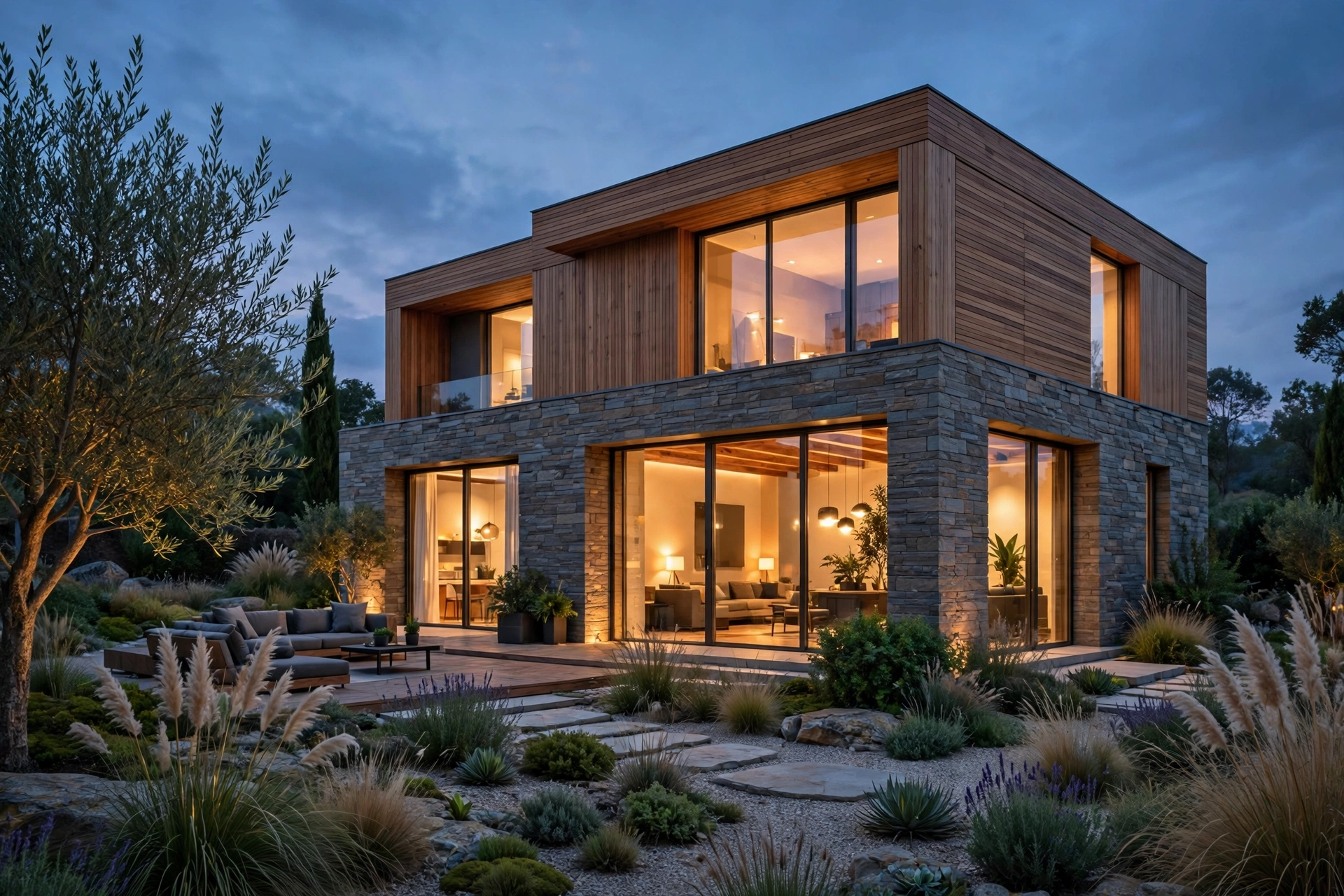
A render is a photograph, so treat the camera like one. Real architectural photography rarely uses extreme wide angles. A focal length between 24mm and 35mm suits most interiors, while exteriors often look best between 35mm and 50mm. Ultra-wide lenses distort verticals and stretch furniture near the edges, which instantly signals CGI. Keep vertical lines vertical by using a camera with shift or by correcting tilt in post-production.
Set the camera at a believable height, around 1.5 to 1.6 meters for eye-level views, and a little lower for cozy interior shots. Add a touch of depth of field for close-up detail shots, but keep it subtle: everything in focus is fine for wide establishing views. Slight lens imperfections, like a hint of vignetting, also help. Our guide to interior rendering cost shows how camera choices affect the number of views a project needs.
5. Add life with entourage and context
Empty rooms feel like showrooms, not homes. A few believable details, a book left open, a coffee cup, a throw draped over a sofa arm, tell the viewer someone lives here. Plants are especially powerful: they add organic shapes and color variation that break up hard architectural geometry. But entourage must be believable. People, cars, and trees that are out of scale or badly lit will hurt realism more than an empty scene would.
Context matters outside too. An exterior render floating in a grey void looks unfinished. Add a ground plane with real texture, neighboring buildings or trees at low detail, and a sky with believable clouds. Even a simple street, pavement, and a few shrubs ground the building in a place. For exteriors, our exterior rendering cost guide explains what context elements are typically included in a professional package.
6. Render settings that actually matter
More samples are not always better. Once noise is gone, extra samples only waste time. What matters more is correct global illumination settings, enough light bounces for interiors (at least 3 to 4 diffuse bounces for a warm, realistic feel), and a denoiser used carefully. Over-aggressive denoising smears fine texture detail and makes fabrics and wood look waxy.
Render at a resolution that matches the deliverable. For screen and social media, 2K to 3K wide is usually enough. For large prints, go to 4K or higher. Rendering bigger than needed does not add realism, it only adds hours. Keep an eye on render time budgets: a single interior view from a good studio setup typically takes 30 minutes to 3 hours at final quality, depending on complexity.
7. Post-production: the final 10 percent
Almost every photorealistic render you admire has been through post-production. Subtle color grading, slight contrast curves, and careful highlight control make the image feel photographed rather than rendered. Keep it restrained. Heavy saturation, over-sharpening, and fake lens flares push the image back toward CGI. A good rule: if a viewer can tell post-production was applied, you used too much.
Use render elements to work precisely. Separate passes for reflections, shadows, and ambient occlusion let you adjust one aspect without damaging the rest. A gentle bloom on bright windows, a touch of haze for aerial views, and balanced white point adjustments are usually all a strong render needs. For software comparisons that affect this workflow, see our roundup of the best rendering software for architects in 2026.
8. Mistakes that kill realism
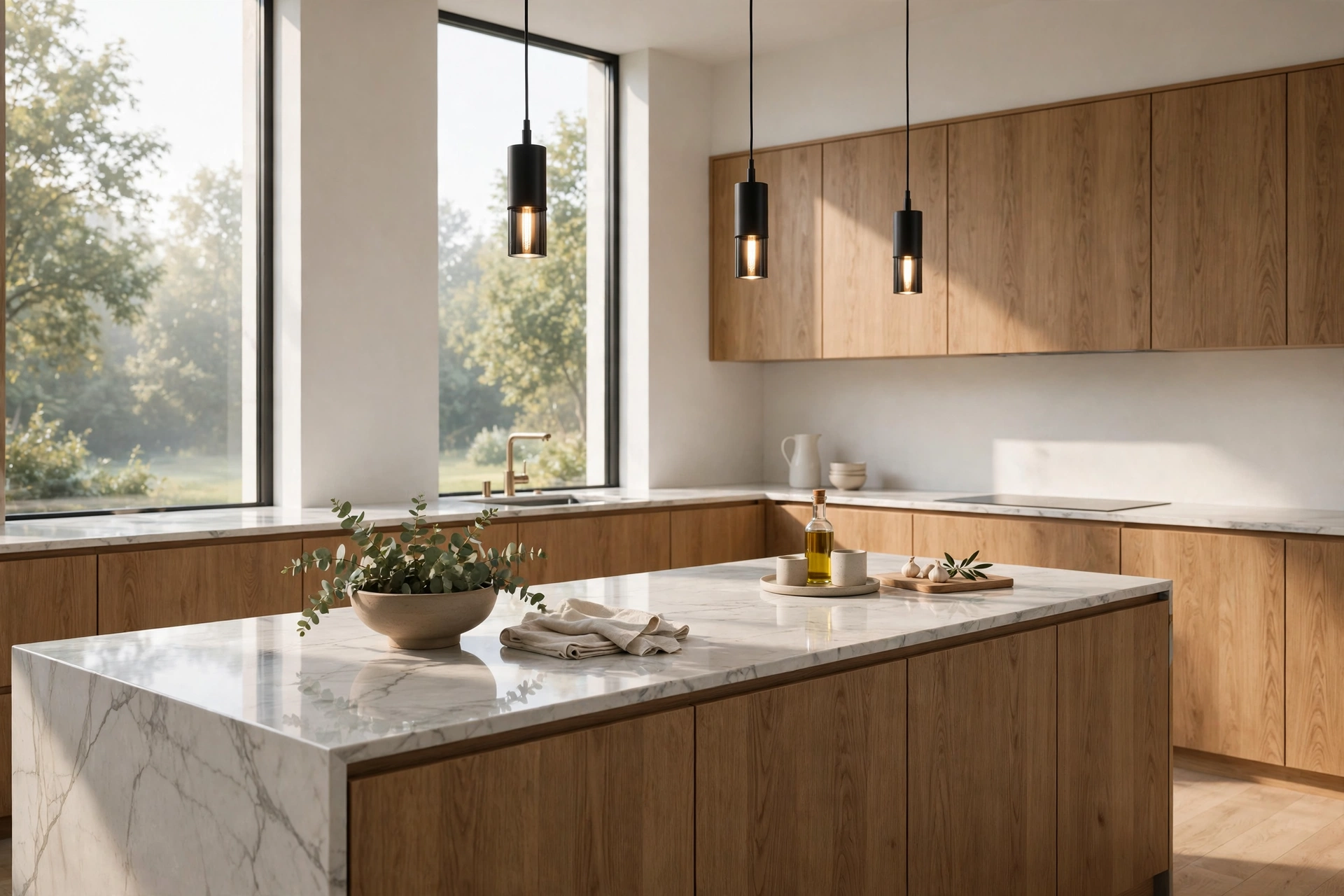
- Perfectly clean surfaces with no wear, dust, or variation
- Repeating textures with visible tiling patterns
- Overly saturated colors that no real material produces
- Shadows that are too dark or completely absent
- Entourage at the wrong scale, especially people and plants
- Ignoring reflections on glass, metal, and polished floors
Frequently asked questions
How long does it take to learn photorealistic rendering?
Most artists produce convincing work within 3 to 6 months of focused practice, assuming they already know a 3D modeling tool. The fastest path is studying real photography alongside rendering: light, composition, and materials transfer directly.
Which render engine is best for photorealism?
V-Ray and Corona Renderer are the industry standards for stills, while Lumion and D5 Render trade a little quality for much faster results. The engine matters less than your lighting and material skills. A skilled artist can make any modern engine look great.
Do I need an expensive computer for realistic renders?
Not to learn, but final-quality output benefits from a strong CPU or GPU. A mid-range machine with 32 GB of RAM handles most interior scenes. Render farms and cloud rendering cover heavy jobs without a hardware upgrade.
Why do my renders look flat?
Flat renders usually come from even, directionless lighting and materials without roughness variation. Add a clear key light, strengthen shadows slightly, and give every material a roughness map. Contrast is what creates depth.
Are HDRI skies better than a physical sun?
HDRI skies are faster to set up and give believable reflections instantly, while a physical sun and sky system offers more control over time of day and shadow direction. Many professionals combine both: HDRI for reflections and a sun for shadows.
How much does a photorealistic render cost from a studio?
In 2026, a single photorealistic interior view typically costs 200 to 800 dollars, and exteriors range from 300 to 1,500 dollars, depending on complexity and revision rounds. See our pricing guides for detailed breakdowns.
Photorealism is a craft built on observation. Study photographs of real rooms, notice how light falls at different times of day, and compare your renders against those references honestly. Fix one weakness at a time, and your work will cross the line from obviously rendered to convincingly real faster than you expect. If you need photorealistic renders for a project, our studio can help: share your drawings and we will prepare a fixed quote with a clear turnaround time. Learn how our architectural rendering services work or get in touch through the contact page to start your project.
Written by
Architecture Designing Team
3D Visualization Studio