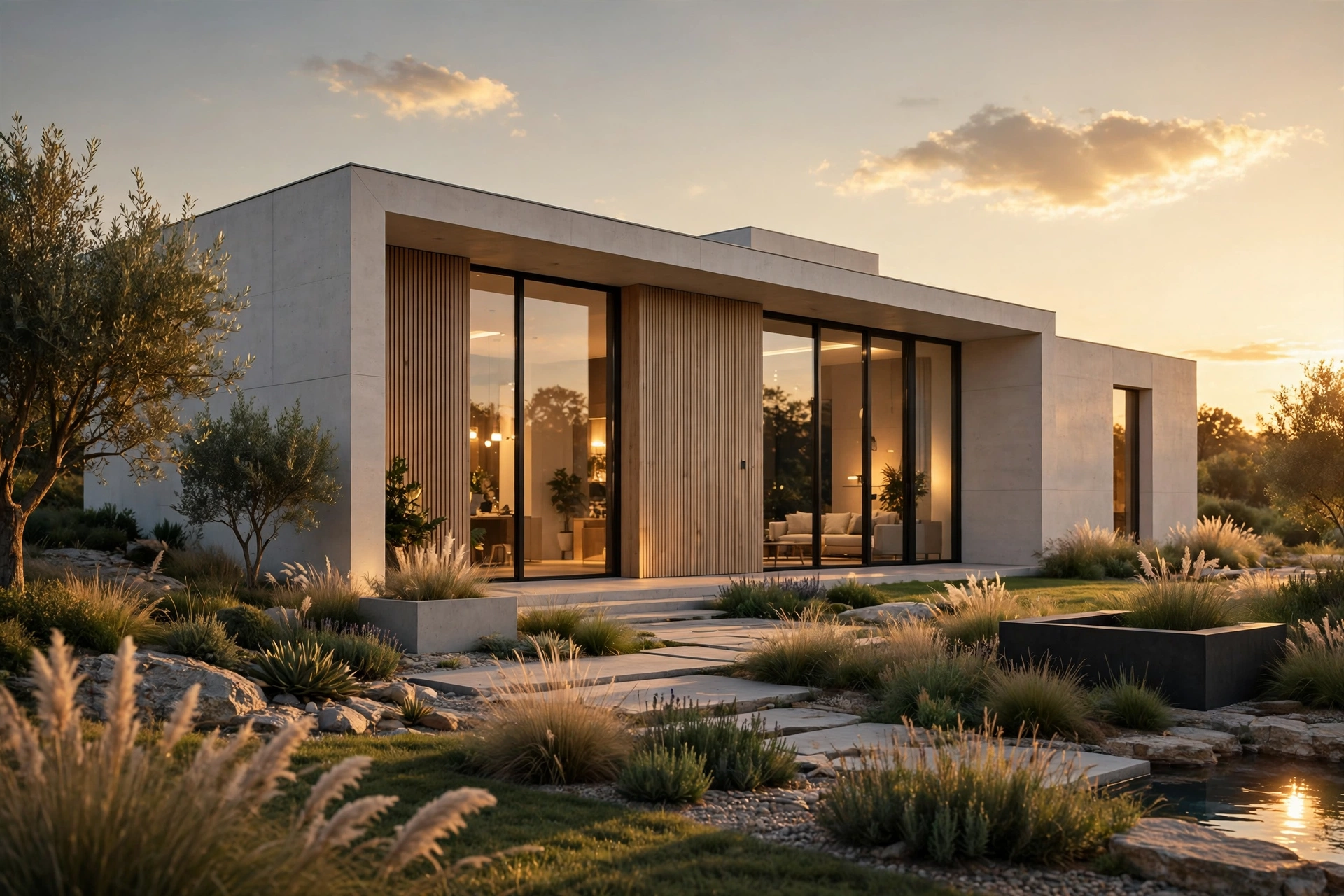
Best Rendering Software for Architects in 2026
Choosing rendering software is one of the biggest decisions an architect makes after choosing a modelling tool. The right renderer turns a good design into a convincing image that wins clients, speeds up approvals, and sells projects before they are built. The wrong one eats hours of your week, needs hardware you do not own, and still produces flat, lifeless images. This guide compares the best rendering software for architects in 2026 on the things that actually matter: image quality, speed, ease of use, price, and hardware, so you can pick the tool that fits your practice.
What to Look for in Rendering Software
Before comparing names, decide what you need the software to do. A small residential practice that presents to homeowners every week needs fast, good-looking images with minimal setup. A visualization studio selling marketing packages needs maximum quality and control. A large firm working in Revit needs a tool that lives inside BIM, not beside it. Judge every option on five points: how good the images look out of the box, how fast you get a finished render, how long it takes a new team member to learn it, what it costs per seat per year, and what computer it demands. A tool that scores well on all five for your workflow is the right one, even if another tool wins awards for pure quality.
Lumion: Best for Marketing Images and Animations
Lumion remains the most popular choice for architects who sell with images. It is a standalone real-time renderer that imports models from SketchUp, Revit, Rhino, Archicad, and Vectorworks, then adds materials, landscaping, people, vehicles, and weather in a visual editor that feels more like a game than a technical tool. Its sky system, global illumination, and effects library produce warm, atmospheric images that suit residential marketing, competitions, and client presentations. A final still at 4K takes a few minutes on a good graphics card, and animations, panoramas, and orthographic views all come from the same scene. The trade-off is price and hardware: Lumion Pro runs around $1,800 to $2,200 per seat per year, and it wants a strong GPU, ideally an RTX 4070 or better with 12 GB of video memory. Beginners should expect one to two weeks of regular use before results look consistently professional. Our Lumion beginner tutorial walks through a first render step by step.
Enscape: Best for Live Design Review
Enscape is a real-time rendering plugin that lives inside your modelling software instead of replacing it. It works directly with SketchUp, Revit, Rhino, Archicad, and Vectorworks, and the image updates the instant you orbit, change a material, or move the sun. That makes it ideal for live client meetings and design review: you can walk a client through a scheme and change finishes while they watch. An Enscape still exports in under a minute, and the learning curve is the shortest of any tool here, often a single day for someone who already models. Images are clean, bright, and accurate, though skies and vegetation can look a little flat next to Lumion, and dramatic twilight shots need more manual tuning. Pricing is friendly, typically around $500 to $1,100 per seat per year, and it runs well on a mid-range card such as an RTX 4060. Our Enscape vs Lumion comparison goes deeper on where each tool wins.
V-Ray: Best for Maximum Photorealism
V-Ray is the industry standard for photorealistic still images, used by top visualization studios worldwide. It is an offline renderer, which means it calculates light physically rather than approximating it in real time, so a single high-quality interior can take 30 minutes to several hours depending on resolution and scene complexity. The reward is realism that real-time tools still struggle to match: accurate reflections, soft shadows, subtle bounce light, and materials that behave like the real thing. V-Ray plugs into SketchUp, Rhino, 3ds Max, Maya, and Revit, and a solo subscription runs roughly $400 to $500 per year, with Chaos bundle options that add Corona and other tools. The learning curve is real: expect several weeks before you control materials, lighting, and render settings confidently. Our V-Ray for SketchUp beginner guide covers the settings that matter most for a first great render.
Corona Renderer: Best for Beautiful Interiors With Less Setup
Corona Renderer is the favorite of many interior visualization artists, and for good reason: it produces beautiful, physically accurate light with far less tweaking than V-Ray. Its interactive rendering updates as you work, materials are intuitive, and its famous LightMix feature lets you adjust every light in a finished render after the fact, without re-rendering. Corona runs inside 3ds Max and Cinema 4D, not SketchUp, so it suits studios already built on those platforms. Render times sit between V-Ray and real-time tools: a quality interior still typically takes 20 minutes to an hour. A solo license costs roughly $300 to $400 per year through Chaos, with a free trial available. If interiors are your main product, Corona deserves a serious look, and our Corona Renderer beginner guide explains how to get started.
D5 Render: Best Budget Real-Time Option
D5 Render is the challenger that has grown fastest in the last two years. Like Lumion, it is a real-time renderer with a large asset library and strong global illumination, but it is far cheaper: a free version covers basic work, and the Pro subscription runs around $38 per month, roughly $456 per year. It imports from SketchUp, Revit, Rhino, Archicad, and 3ds Max, and its ray-traced quality now rivals tools costing four times as much. The asset library and animation tools are not yet as deep as Lumion, and very large scenes can strain mid-range hardware, but for small firms and freelancers it is the best value in rendering today. Our D5 Render vs Lumion comparison tests both tools head to head on lighting, assets, and price.
Twinmotion and Unreal Engine: Best for Real-Time and Interactive Projects
Twinmotion, built on Unreal Engine, is the simplest real-time tool on this list. It imports from SketchUp, Revit, Rhino, and Archicad, renders in real time, and is free for projects under a revenue threshold. Unreal Engine itself is the most powerful real-time platform available: it powers interactive walkthroughs, virtual reality presentations, and configurators that let clients change finishes live. The cost is complexity. Unreal needs real development skill, not just rendering skill, so it suits firms that want interactive experiences, not just images. For most architects, Twinmotion covers the easy wins and Unreal is a specialist investment.
Quick Comparison
- Fastest to learn: Enscape, then Twinmotion, then D5 Render
- Best marketing stills: Lumion and V-Ray, with Corona best for interiors
- Best value: D5 Render, then Enscape
- Best for live client meetings: Enscape
- Best for animations: Lumion and Unreal Engine
- Best for interactive VR: Unreal Engine
Hardware and Budget: What You Actually Need
Every tool on this list is GPU dependent, so budget for the graphics card first. Real-time tools need a good card to stay smooth: an RTX 4060 with 8 GB of video memory is a sensible minimum, and Lumion and D5 Render reward an RTX 4070 or better with 12 GB or more. Offline renderers like V-Ray and Corona lean on the processor and memory instead, so a strong multi-core CPU and 32 GB of RAM matter more than the graphics card. Before buying any license, compare the software cost against hiring a studio: our 3D rendering cost per image guide shows what professional stills cost in 2026, and for many firms a mix of in-house Enscape for reviews plus an outsourced studio for hero images is the cheapest path to great results.
Which Software Should You Choose?
Choose Enscape if you present live, work in Revit or SketchUp all day, or want the whole team rendering with minimal training. Choose Lumion if you sell with marketing images and animations and can justify the price and GPU. Choose V-Ray if photorealism is your product and you accept longer render times. Choose Corona if interiors are your focus and you model in 3ds Max or Cinema 4D. Choose D5 Render if budget matters and you want real-time quality at a fraction of Lumion's price. Many successful studios use two tools: Enscape during design development, and Lumion or V-Ray for the final marketing package.
Frequently Asked Questions
What is the best rendering software for architects in 2026?
There is no single winner. Enscape is best for live design review, Lumion for marketing images and animations, V-Ray for maximum photorealism, Corona for interiors, and D5 Render for value. Pick based on what you render most, not on what wins awards.
Is Lumion or Enscape better for beginners?
Enscape is easier to learn, usually within a day for someone who already models, because it lives inside your modelling software. Lumion takes one to two weeks of regular use but offers more control over atmosphere, assets, and animations.
Do I need a powerful computer for rendering?
You need a good graphics card for real-time tools and a strong processor with plenty of RAM for offline renderers. An RTX 4060 and 32 GB of RAM is a sensible starting point for most architects in 2026.
Can I get good renders without buying expensive software?
Yes. D5 Render has a capable free version, Twinmotion is free for smaller projects, and Blender with Cycles is completely free. For occasional hero images, hiring a studio is often cheaper than any license.
Which renderer works best with SketchUp?
Enscape, Lumion, D5 Render, Twinmotion, and V-Ray all have SketchUp support. Corona does not, so SketchUp users who want Corona-style interiors should look at V-Ray instead.
Is real-time rendering as good as V-Ray or Corona?
Real-time tools have closed most of the gap for exteriors and marketing images, but offline renderers still win on subtle light, reflections, and material accuracy in demanding interiors. Many studios use both: real-time during design, offline for finals.
Still deciding, or want a professional result without buying software and hardware? Our studio produces photorealistic stills, animations, and virtual tours from your drawings, with fixed pricing and fast turnaround. Contact us with your plans and we will recommend the right package for your project.
Written by
Architecture Designing Team
3D Visualization Studio