Enscape vs Lumion: Which Is Better in 2026?
Enscape and Lumion are the two most popular real-time rendering tools for architects, and choosing between them is one of the most common questions we hear from clients and fellow designers. Both plug into the modelling tools architects already use, both produce images in minutes rather than hours, and both can turn a plain 3D model into a presentation-ready image. But they are built for different jobs, and picking the wrong one costs time, money, and render quality. This guide compares Enscape vs Lumion on speed, quality, ease of use, pricing, and hardware, so you can choose with confidence in 2026.
What Each Tool Does Best
Enscape is a real-time rendering plugin that lives inside your modelling software. It works directly with SketchUp, Revit, Rhino, Archicad, and Vectorworks, and every change you make to the model appears in the render window instantly. There is no export step, no separate scene file to keep in sync, and no waiting for a final render to see whether a material works. That tight connection makes Enscape the natural choice for architects who design and present in the same session, especially during client meetings where a wall moves, a finish changes, and the client wants to see the result right away.
Lumion is a standalone rendering application with its own scene editor, material library, and effects stack. You import your model, then build the scene around it: landscape, entourage, weather, lighting effects, and cinematic camera paths. Lumion is slower to set up than Enscape, but it gives you far more control over the final image, which is why visualization studios use it for marketing images, competition entries, and high-end residential presentations. If you want a render that looks like a photograph in a brochure, Lumion is usually the stronger starting point. Our Lumion beginner tutorial walks through a first render step by step, and our guide to Lumion LiveSync for SketchUp shows how to keep the two programs connected while you work.
Speed and Real-Time Performance
Both tools render in real time, but they feel different in daily use. Enscape updates the image the moment you orbit, change a material, or move the sun, and it stays smooth on mid-range hardware because its renderer is optimized for live feedback rather than maximum final quality. A typical Enscape still image exports in under a minute, and a short walkthrough video can be produced in a single afternoon.
Lumion is also real time while you navigate the scene, but its highest quality output takes longer. A final Lumion still at 4K can take a few minutes per image on a good graphics card, and a 60 second animation can take one to several hours depending on resolution and effects. That is still dramatically faster than an offline renderer such as V-Ray, but it means Lumion rewards a planned workflow: set the scene, test at low resolution, then commit to the final render. For turnaround planning, our guide on how long 3D rendering takes breaks down realistic times for stills, animations, and virtual tours.
Render Quality Compared
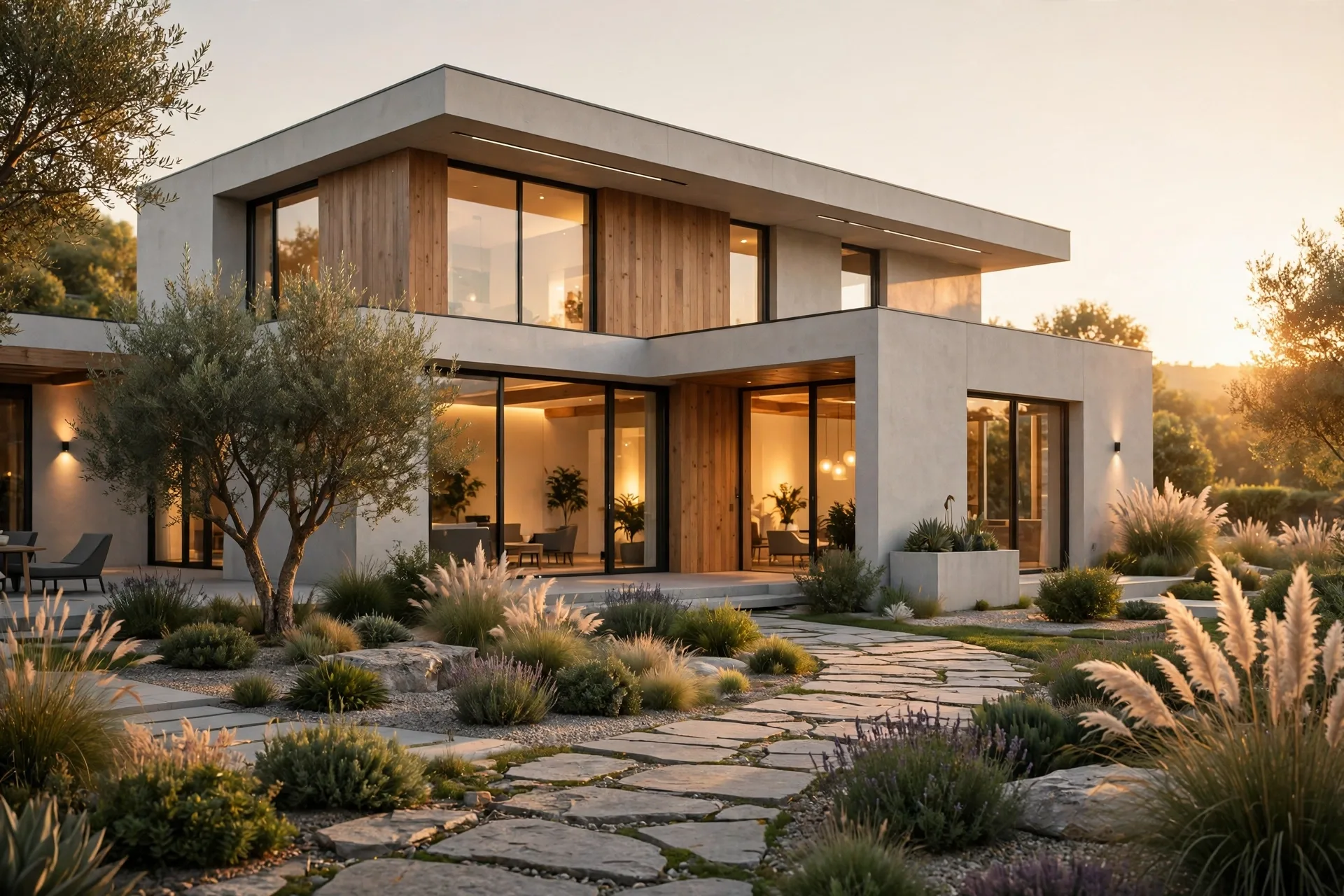
On still images, Lumion generally wins on atmosphere. Its sky system, global illumination, and effects library produce richer skies, softer shadows, and more convincing vegetation than Enscape out of the box. A Lumion exterior at dusk, with warm interior lights and a detailed sky, is hard to beat without heavy post-production. Interior renders benefit too: Lumion handles soft daylight through windows and reflective surfaces with a warmth that suits residential marketing.
Enscape has closed much of the gap in recent versions, and its images are clean, bright, and accurate, which is exactly what design review needs. Where it falls slightly behind is mood: Enscape skies and vegetation can look a little flat compared with Lumion, and achieving a dramatic twilight shot takes more manual tuning. For planning submissions and client approvals, that difference rarely matters. For a sales brochure hero image, it often does.

Ease of Use and Learning Curve
Enscape is the easier tool to learn. If you can model in SketchUp or Revit, you can render in Enscape within a day, because there is almost no new interface to learn: a small toolbar, a settings panel, and a live window. New team members become productive fast, which is a real advantage for small firms where everyone models and presents.
Lumion takes longer, typically one to two weeks of regular use before a beginner produces consistently good work. The material editor, effects stack, and landscape tools are powerful but need practice, and the asset library alone takes time to explore. The payoff is control: once learned, Lumion lets one artist produce a whole marketing package of stills, animations, and panoramas from a single scene. Beginners should start with the fundamentals in our guide to Lumion Real Skies, since sky and light choices drive most of the realism in the final image.
Pricing in 2026
Enscape is sold as a subscription, typically around $500 to $1,100 per seat per year depending on the license type, with floating licenses at the higher end for firms that share seats. That makes it easy to budget and easy to scale up for a big project, then scale back down.
Lumion is the more expensive option. A Lumion Pro subscription generally runs around $1,800 to $2,200 per seat per year, with a lower-cost Standard tier for smaller practices. There is no free version for commercial work. The price is justified if you sell high-end visualization or produce marketing material regularly, but it is hard to justify for a firm that only needs quick design-review images a few times a month. Before committing to either, compare the software cost against hiring a studio: our 3D rendering cost per image guide shows what professional stills cost in 2026, and for many firms a mix of in-house Enscape for reviews plus an outsourced studio for hero images is the cheapest path to great results.
Hardware Requirements
Both tools are GPU dependent, so the graphics card matters more than the processor. Enscape runs well on a mid-range card such as an RTX 4060 with 8 GB of video memory, and it stays usable on large models if you keep vegetation and high-poly entourage under control. Lumion recommends a stronger card, ideally an RTX 4070 or better with 12 GB or more of video memory, and large scenes with detailed landscaping will punish a weak card with slow navigation and long final renders.
As a rule, budget for the graphics card first, then memory: 32 GB of RAM is a sensible minimum for either tool, and an SSD keeps scene loading fast. If your current machine struggles, start with Enscape, which is more forgiving, and upgrade the GPU before moving to Lumion.
Which Should You Choose?
Choose Enscape if you work inside Revit or SketchUp all day, present live to clients, need quick design-review images, or want the whole team rendering with minimal training. Choose Lumion if you produce marketing images, animations, and competition visuals, want maximum control over atmosphere, or sell visualization as a service. Many studios use both: Enscape during design development, Lumion for the final marketing package.
- Design review and live client meetings: Enscape
- Marketing stills and hero images: Lumion
- Animations and cinematic camera work: Lumion
- Small team, fast onboarding: Enscape
- Large scenes with heavy landscaping: Lumion, with a strong GPU
Frequently Asked Questions
Is Enscape better than Lumion?
Neither is universally better. Enscape is better for live design review and speed, Lumion is better for polished marketing images and animations. The right choice depends on what you render most.
Can Enscape and Lumion be used together?
Yes. Many firms use Enscape during design and Lumion for final marketing images. The model exports from SketchUp or Revit to both, so the same project can move between them, though materials and entourage need to be set up separately in each tool.
Does Enscape work with Revit?
Yes, Enscape has a native Revit plugin, plus plugins for SketchUp, Rhino, Archicad, and Vectorworks. Changes in Revit appear in Enscape instantly, which makes it popular for BIM-driven practices.
Is Lumion hard to learn?
Lumion is not hard, but it takes longer than Enscape. Expect one to two weeks of regular practice before your renders look consistently professional, and start with materials, skies, and lighting before tackling animations.
Which is cheaper, Enscape or Lumion?
Enscape is cheaper, typically around half the annual cost of Lumion Pro. For occasional rendering, Enscape or an outsourced studio is usually more economical than a Lumion license.
Do I need a powerful computer for real-time rendering?
You need a good graphics card above all else. Enscape works on a mid-range GPU, while Lumion benefits from a high-end card with 12 GB or more of video memory. Both need at least 32 GB of RAM for large projects.
Still deciding, or want a professional result without buying software and hardware? Our studio produces photorealistic stills, animations, and virtual tours from your drawings, with fixed pricing and fast turnaround. Contact us with your plans and we will recommend the right package for your project.
Written by
Architecture Designing Team
3D Visualization Studio