Lumion Real Skies: Realistic Renders Guide
Ask any experienced visualization artist what makes a render look real, and most will give the same answer: the sky. Materials matter, cameras matter, but the sky sets the light, the mood, and the color of every surface in the scene. A flat, grey sky flattens the whole image, while a believable sky gives shadows depth, glass reflections life, and the entire render a sense of place.
Lumion Real Skies is the tool that solves this problem. Instead of a plain gradient or a simple sun disc, Real Skies inserts photographic skies into your scene and uses them to light everything, from the brightest facade to the darkest shadow. Used well, it is the single fastest upgrade you can make to your renders. This guide explains how Real Skies works, how to choose the right sky for each project, and how to tune it so your renders stop looking rendered and start looking photographed.
What Lumion Real Skies Actually Does
Real Skies is a library of high-dynamic-range photographic skies built into Lumion. Each sky is a full 360-degree photograph of a real sky, captured at a specific time of day and in specific weather. When you apply one, Lumion does two things at once: it draws that sky as the background of your image, and it uses the brightness and color of the sky to light the scene.
This second part is what matters most. In older rendering workflows, the sky was just a backdrop and the light came from a separate sun object that you had to tune by hand. With Real Skies, the light and the backdrop always agree. If the sky shows a low golden sun, the light in your scene is warm and directional. If the sky is overcast, the light is soft and diffused. That agreement is exactly what the human eye checks, consciously or not, when deciding whether an image looks real.
Real Skies also drives reflections. Glass, water, and polished stone reflect the sky, so a rich sky gives those surfaces color instead of a flat grey sheen. Change the sky and you change every reflective surface in the frame.
Choosing the Right Sky for Your Project
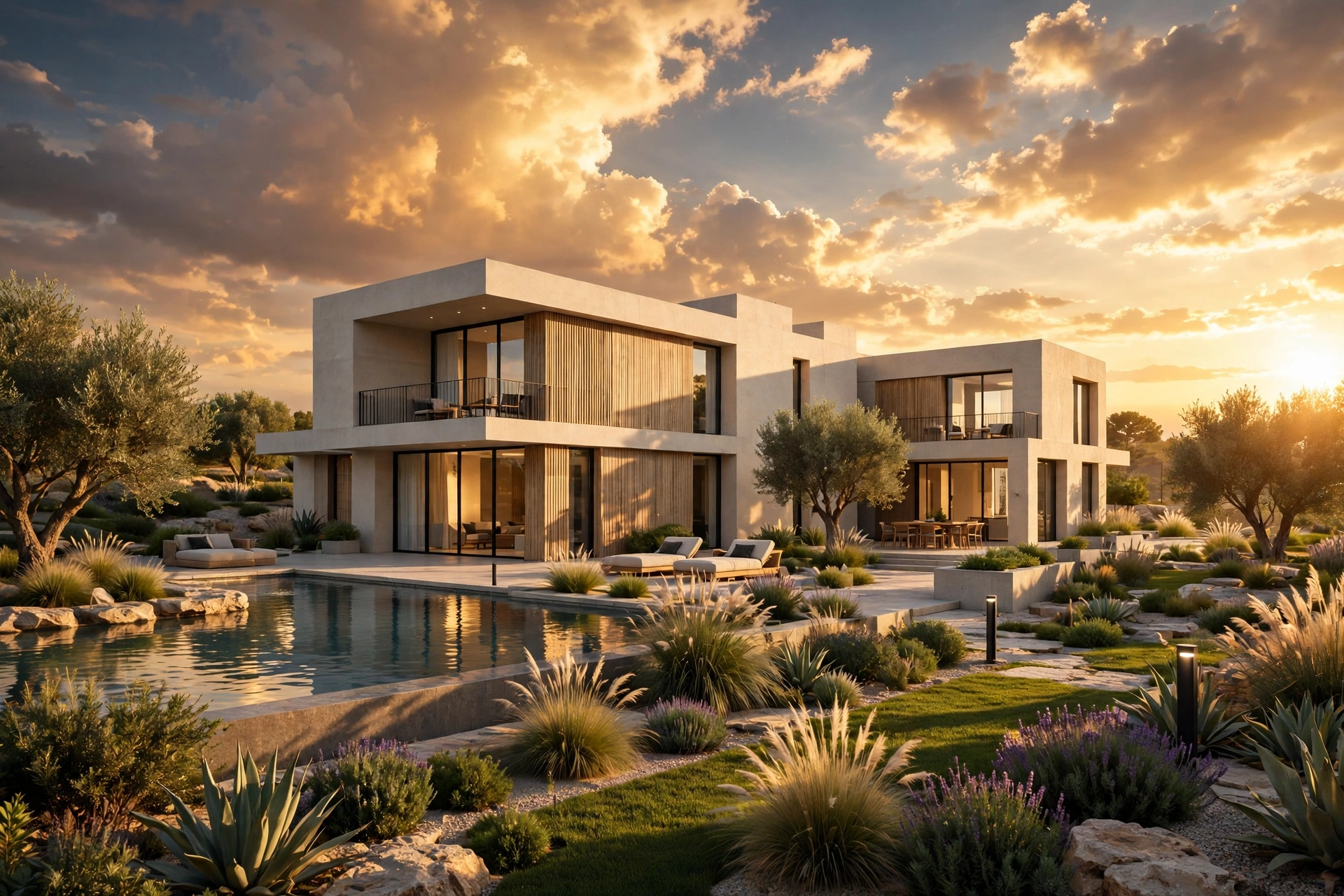
Start with the story the image must tell. A family home for sale wants a bright, welcoming sky. A luxury villa wants golden hour drama. A commercial office suits a crisp blue sky, and an interior seen through large windows needs a sky bright enough to justify the daylight inside.
Match the sky to the architecture and landscape. A desert house looks wrong under a stormy northern sky, and lush green landscaping pairs naturally with a bright summer sky, while autumn foliage suits warmer, lower light.
For client presentations, avoid extreme skies. Storm clouds and fiery sunsets impress in a portfolio but distract from the building and make colors hard to judge. Save dramatic skies for hero marketing images and use calm skies for design reviews. If you are producing images for a property launch, our 3D rendering cost per image guide explains how hero and standard views are typically priced.
How to Apply and Tune a Real Sky
Applying a Real Sky takes seconds: open the sky settings, browse the library, and click a preset. Lumion immediately updates the background and lighting. Then use the sun height and heading controls to position the sun where you want it. The sun heading rotates the light around the building, so you can test morning light from the east, afternoon light from the west, or any angle in between, without changing the sky itself.
Next, tune brightness. If the image looks washed out, lower sky brightness slightly before touching anything else. If shadows look too dark, raise ambient light in small steps: a ten percent change is often enough, and large jumps quickly look unnatural.
Pay attention to the horizon. The most common Real Skies mistake is a hard line where sky meets ground. Fix it with distant trees, a hedge line, neighboring buildings, or gentle terrain at the site edges, plus foreground objects overlapping the horizon.
Golden Hour, Blue Hour, and Overcast: When to Use Each
Golden hour, the hour before sunset, is the most popular choice for hero images. The light is warm, shadows are long, and materials gain rich color. Watch exposure, though: skies are bright near the sun and darker elsewhere, so check the camera-facing facade is not lost in shadow.
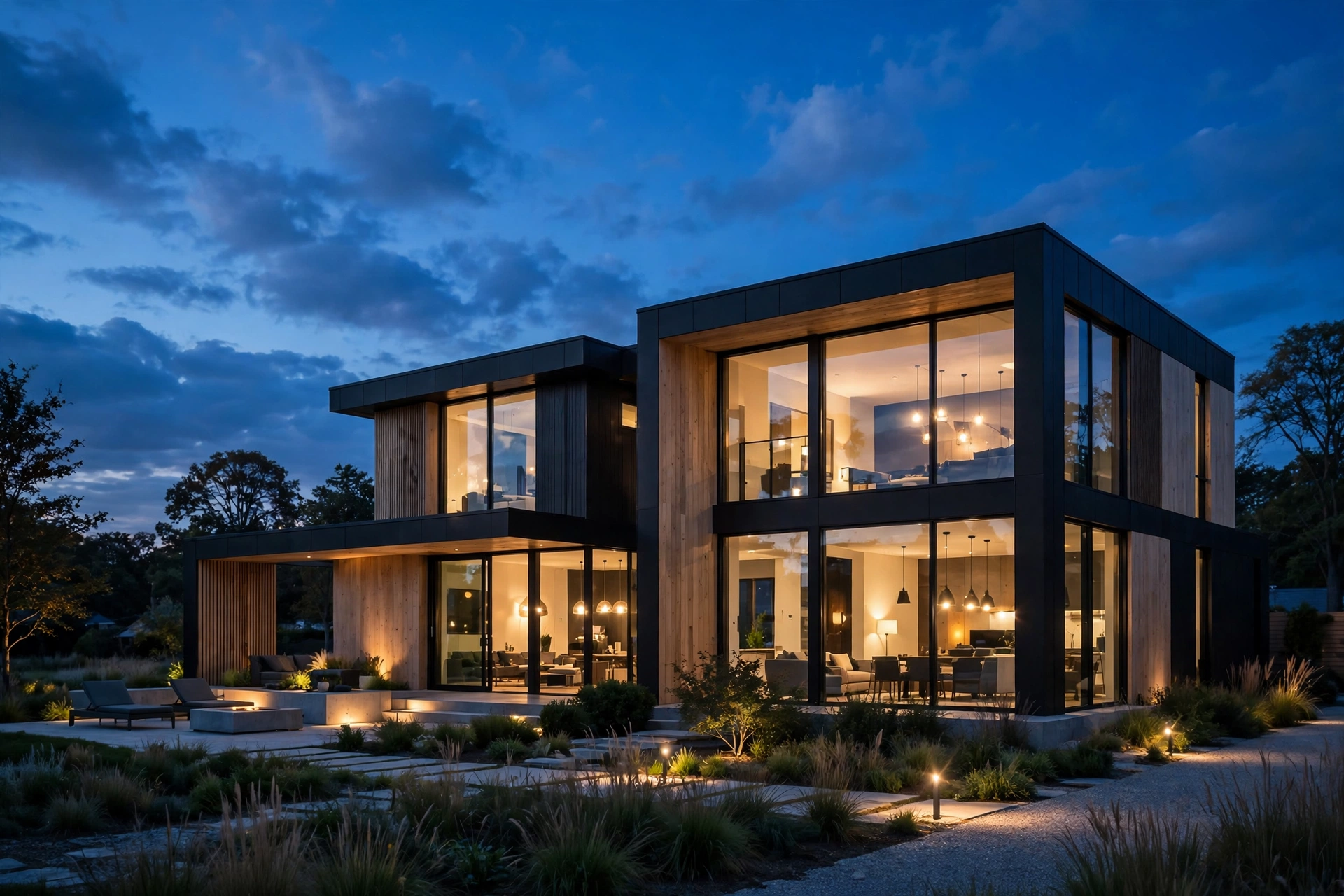
Blue hour, just after sunset, is best for images featuring interior lights. Windows glow warm against a deep blue sky and landscape lighting becomes visible. Balance exposure carefully, because the sky darkens fast while interior lights stay constant.
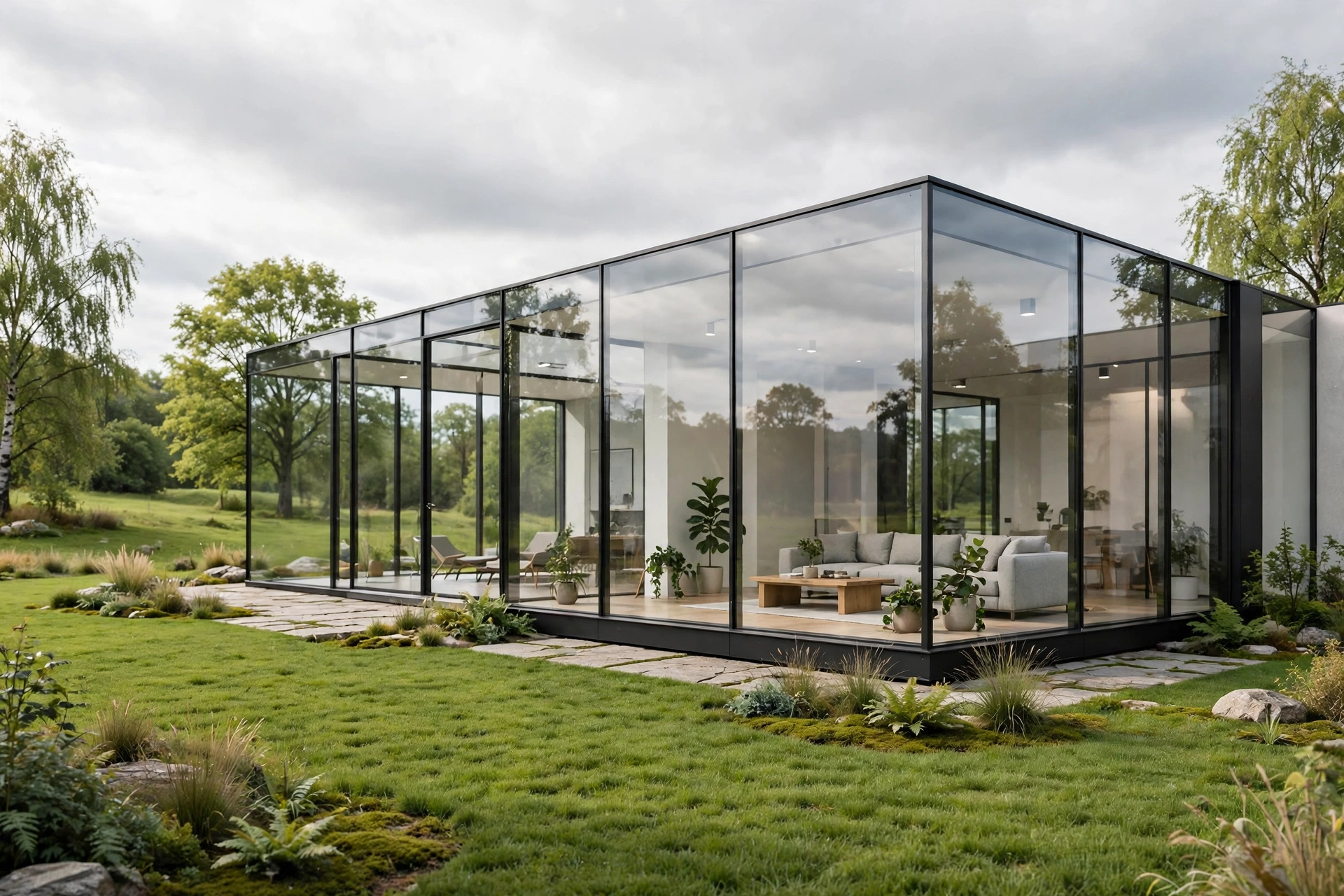
Overcast skies are underrated. A soft grey sky gives even, shadow-free light that shows true material colors and suits technical presentations and dense urban scenes where neighbors block direct sun. If a render looks too contrasty, switch to overcast before changing anything else.
Real Skies for Interiors
Real Skies matters for interiors too, even when the sky barely appears in frame. The sky through windows sets interior light color and intensity and appears in glass reflections: midday gives a crisp, airy room, while evening gives a cozy, lamp-lit mood.
For interiors, choose a sky slightly brighter than you think you need, since glass and exposure eat light. Judge the interior view, not the exterior, and check window reflections: if the sky in the glass suggests a different time of day than the room light, viewers notice immediately.
Keep the same sky across all views of one project shown together, such as in a brochure. Consistent skies make the set feel like one place photographed on one day. Our interior rendering cost guide shows how studios package consistent view sets.
Common Real Skies Mistakes
The first mistake is choosing the sky for beauty instead of fit. A spectacular sunset can overpower a modest building. The sky should support the architecture, not compete with it.
The second mistake is ignoring sun direction. If you rotate the sky without checking shadows, light can contradict the visible sun. Always check that shadows fall away from the sun in the sky.
The third mistake is overexposure near the sun, which blows out to white and loses cloud detail. Lower sky brightness or shift the camera so the sun sits just outside the frame. For exteriors where sky choice changes the marketing feel, our exterior rendering cost guide breaks down how hero views are scoped and priced.
Real Skies vs HDRI vs Manual Sun Setup
Beginners often ask whether Real Skies replaces HDRI lighting or manual sun setups. In Lumion, Real Skies is effectively a curated HDRI system: photographic skies that light the scene, presented with a simple browser instead of file management. You do not need to source, license, or import HDRI files, and you do not need to tune a separate sun to match the sky.
Manual sun setups still have a place: an exact shadow study for a planning submission needs precise coordinates. But for presentation and marketing images, Real Skies is faster and usually more believable, because light and sky can never disagree.
Artists from V-Ray or Corona will recognize the concept, since those engines use HDRI dome lights the same way. The difference is convenience: Lumion packages it into one click. If you are still deciding between engines, our Lumion vs V-Ray vs Corona comparison covers speed, quality, and cost.
A Practical Sky Workflow for Every Project
Build a simple routine for every project. First, block out the scene under a neutral daylight sky to judge geometry and materials. Second, render quick tests of three candidate skies for the hero view: bright daytime, golden hour, and overcast. Third, pick the one that best serves the building.
Fourth, lock the chosen sky and sun direction, then tune exposure and shadows. Fifth, reuse the same sky across the view set, adjusting only sun heading if another facade needs light. This takes about twenty minutes and produces coherent sets instead of mismatched images.
Keep notes on skies that worked for each project type: bright summer for family homes, golden hour for villas, blue hour for hospitality, overcast for commercial reviews. It saves decision time and keeps output consistent.
Frequently Asked Questions
What is Lumion Real Skies?
Real Skies is Lumion built-in library of photographic 360-degree skies. Each sky is both the background of your render and its light source, so lighting and visible sky always match.
Do Real Skies make renders slower?
Real Skies has only a small effect on render time. Changing skies updates the real-time preview instantly, and final renders take only slightly longer than with a plain sky.
Can I rotate the sun independently of the sky?
Yes. Lumion lets you adjust sun heading and height separately from the sky preset, so you can test morning, afternoon, or evening light under one sky. Just check shadows still fall away from the visible sun, or the image will look inconsistent.
Which Real Sky is best for exteriors?
For most exteriors, a bright daytime sky with soft clouds is safest, golden hour is best for hero marketing images, and blue hour is best for evening views with glowing windows.
Do Real Skies work for interiors?
Yes. The sky visible through windows sets interior light color and intensity and appears in glass reflections. Choose a sky slightly brighter than you expect, test the interior view rather than the exterior, and keep the same sky across a project view set for consistency.
Should beginners use Real Skies or the manual sun?
Beginners should start with Real Skies. It removes the hardest part of lighting, matching sky to light, and gives believable results immediately. Move to manual sun controls later for exact shadow studies.
The sky is not a background detail. It is the light itself, and getting it right is the fastest way to lift renders from decent to convincing. Pick skies that serve the building, check shadows agree with the visible sun, and keep view sets consistent. If a deadline needs that standard without the learning curve, our studio renders with these same techniques every day: send us your model and we will return presentation-ready views.
Written by
Architecture Designing Team
3D Visualization Studio