Lumion vs Twinmotion vs Enscape: Real-Time Renderers Compared
Quick answer
Lumion vs Twinmotion vs Enscape compared on image quality, speed, BIM workflow, libraries and price in 2026. Find the real-time renderer that fits your studio.
Lumion, Twinmotion and Enscape are the three renderers most architects reach for when they need a beautiful image today, not next week. All three are real-time tools, so you see the render change live as you move the sun, swap a material or walk through the building. But they are not interchangeable. Lumion is the polished presentation specialist, Twinmotion is the low-cost all-rounder from Epic Games, and Enscape is the lightweight plugin that lives inside your modelling software. This comparison covers image quality, speed, BIM workflow, asset libraries and price in 2026, so you can pick the one that fits your studio.
The Three Renderers at a Glance
Lumion has been the go-to presentation renderer for architects since 2010. It is a standalone program: you import your model from SketchUp, Revit, Rhino or ArchiCAD, then build the scene inside Lumion with its huge library of trees, people, cars and furniture. Its strength is atmosphere, with skies, weather, water and lighting effects that make a still image or a film feel cinematic. Twinmotion, bought by Epic Games in 2019, is also standalone and imports from the same modelling tools. Its strength is value: a free version, easy VR output, and a path to Unreal Engine for high-end work. Enscape is different. It is a plugin, not a standalone program, so it runs inside SketchUp, Revit, Rhino, ArchiCAD or Vectorworks and renders your model live in a second window. Its strength is speed and simplicity: you never leave your modelling software, and the learning curve is the shortest of the three. Our Enscape vs Lumion guide compares the two head to head, and our D5 Render vs Lumion comparison covers the newest challenger.
Image Quality: Which Looks Most Real?
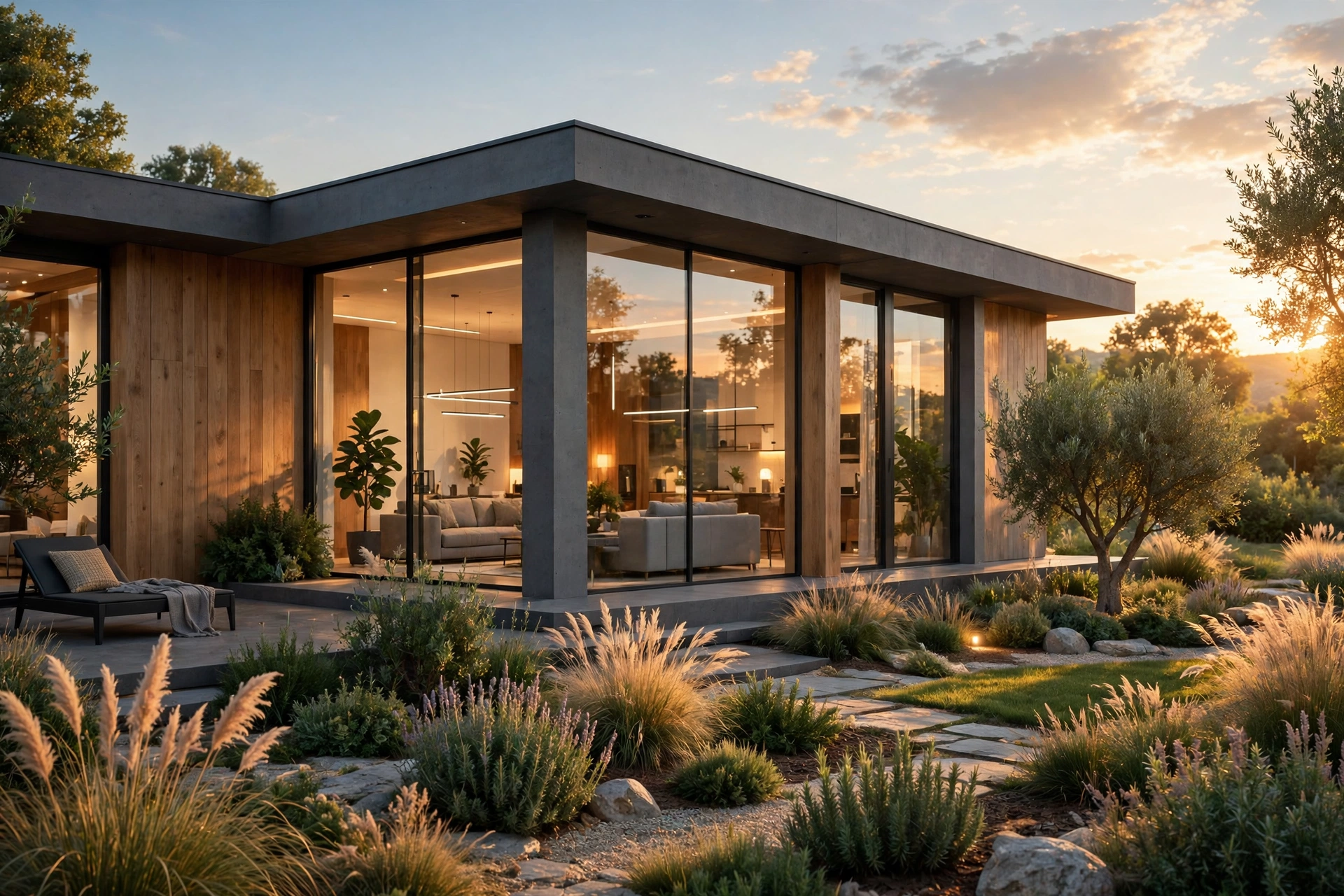
At their best, all three produce images a client will happily approve, but the look differs. Lumion produces the most cinematic stills: rich skies, soft shadows and a warm colour grade that flatters houses and landscapes. A well-built Lumion scene can pass for a photograph at first glance. Twinmotion sits in the middle. Its path tracer mode, borrowed from Unreal Engine, produces accurate light and reflections, but the standard real-time mode can look a little flat on interiors unless you tune the materials and lighting carefully. Enscape produces the cleanest and most natural daylight, with soft, believable shadows and gentle colour. Its images look honest rather than dramatic, which suits architects who want the building to speak for itself. In practice the artist matters more than the engine: a skilled Twinmotion user beats a careless Lumion user every time. If image quality is your top priority, read our guide to making renders look realistic for the camera, lighting and material rules that matter in any renderer.
Speed and the Real-Time Workflow
Speed is where all three beat traditional renderers, and Enscape is the fastest of the three to learn and to use. You open your model, click start, and the live view is already rendering. There is no export step, no waiting, and every change shows up instantly. Lumion is fast too, but you work in two programs: model in SketchUp or Revit, then import and build the scene in Lumion. Twinmotion is similar, with fast import from most modelling tools and a live view that stays smooth on a mid-range graphics card. All three export a 4K still in seconds to a couple of minutes, and a one-minute animation in roughly 10 to 30 minutes. The real difference is iteration: Enscape lets you change the model and see the result in the same minute, while Lumion and Twinmotion add an import step to every change. Our Twinmotion beginner guide walks through a full real-time workflow from model to final image.
BIM and Modelling Workflow
The BIM workflow is where Enscape pulls ahead. Because it is a plugin, it reads your Revit or ArchiCAD model directly, including BIM data, and it stays in sync: change a wall in Revit and the Enscape view updates in seconds. That live link is why many architecture firms choose it. Twinmotion also has a direct link with Revit and ArchiCAD, and its Datasmith exporter keeps the model in sync, but you still work in a separate program. Lumion has LiveSync for SketchUp, Revit, Rhino and ArchiCAD, which is similar, but the link can be slower on large models. For SketchUp users, all three work well: Lumion and Twinmotion import SketchUp files cleanly, and Enscape runs inside SketchUp itself. For Revit-heavy firms, Enscape feels the most natural, because you never leave Revit. For Rhino users, Enscape and Lumion are the comfortable choices. Our best rendering software for architects roundup compares the full field.
Asset Libraries, Materials and Effects
A renderer is only as good as its library, and Lumion has the biggest of the three: more than 7,000 models, including detailed trees, plants, people, cars, furniture and street objects, plus hundreds of materials. Twinmotion has a smaller but well-made library of around 2,000 assets, with the advantage that you can also use the vast Quixel Megascans library of photoreal materials, which Epic owns. Enscape has the smallest library, around 3,000 assets, but it covers the essentials well, and it shares the Chaos Cosmos library with V-Ray, so the quality is high. Lumion has the best weather and atmosphere effects, with animated rain, snow, clouds and water. Twinmotion has the best vegetation tools and the easiest path to VR and panoramas. Enscape has the cleanest material editor and the simplest lighting setup. The difference shows up on large landscape and urban projects, where Lumion's depth wins.
Price in 2026
Price is where Twinmotion wins clearly. Twinmotion is free for individuals and for companies with revenue under 1 million dollars a year, and the full commercial licence costs around 445 dollars per seat per year in 2026. That makes it the cheapest professional option by a wide margin. Enscape costs around 470 dollars per seat per year, with a 14-day free trial and free licences for students and educators. Lumion is the most expensive: the Standard licence costs around 1,800 dollars per year, and the Pro licence, which you need for ray tracing, high-resolution output and the full asset library, costs around 3,600 dollars per year. The price gap matters: a small studio can run Twinmotion and Enscape together for less than one Lumion Pro seat. Before you buy, use the free trials: Twinmotion is free to try, Enscape offers 14 days, and Lumion offers a 14-day trial too. Our cost per image guide shows how renderer choice affects what a studio charges per render.
Which Renderer Fits Which Job?
The right choice depends on your work. Choose Enscape if you are an architect who models in Revit or SketchUp and wants the fastest path from model to image, with the least to learn. It is the best choice for design reviews, client meetings and quick iterations. Choose Lumion if you are a visualisation studio or an architect who sells with cinematic images and films, and you can afford the Pro licence. It is the best choice for marketing visuals, competition entries and animations that need atmosphere. Choose Twinmotion if you want the best value, if you need VR walkthroughs and panoramas, or if you want a path to Unreal Engine for the highest-end work. It is the best choice for small studios, freelancers and anyone starting out. If you are still deciding, our guide to choosing a rendering studio covers the questions to ask before you commit to any tool or service.
Can You Use Two of Them?
Yes, and many studios do. Keep your model in SketchUp, Revit or Rhino, and choose the renderer per job: an interior review in Enscape on Monday, a marketing film in Lumion on Tuesday. The cost is two licences and two learning curves, and materials do not transfer perfectly, so a scene built in one needs material work in the other. Start with the one that fits your daily work, master it for three months, and only then add a second.
Frequently Asked Questions
Which is better, Lumion, Twinmotion or Enscape?
None is better in general. Enscape is fastest and simplest, Lumion makes the most cinematic images, and Twinmotion is the best value. Pick the one that fits your software, budget and daily work.
Is Twinmotion really free?
Yes, for individuals and companies with revenue under 1 million dollars a year. The full commercial licence costs around 445 dollars per seat per year in 2026.
Which renderer is easiest for a beginner?
Enscape is the easiest, because it runs inside your modelling software and has the fewest settings. Twinmotion is second, and Lumion takes a little longer because its library and effects are bigger.
Which renderer works best with Revit?
Enscape, because it is a plugin that stays in sync with your Revit model live. Twinmotion and Lumion both work with Revit through a direct link, but you work in a separate program.
Can Lumion, Twinmotion and Enscape make photorealistic renders?
Yes, all three can. Lumion is strongest on cinematic exteriors, Enscape on natural daylight, and Twinmotion with its path tracer mode on accurate light. The artist matters more than the engine.
Which renderer should a small studio choose in 2026?
Start with Twinmotion, because it is free and capable, and add Enscape if you model in Revit and need live design reviews. Add Lumion Pro later, when marketing images pay for the licence.
Lumion, Twinmotion and Enscape all turn a model into a beautiful image in minutes, and the right choice is the one that fits your software, your budget and your daily work. Try all three free trials on a real project, compare the results honestly, and pick the renderer you enjoy, because the one you enjoy is the one you will master.
If you would like professional renders of your project, talk to our team. Send us your SketchUp, Revit or Rhino model, and we will return client-ready images, walkthroughs and panoramas in a few working days, at a clear fixed price.