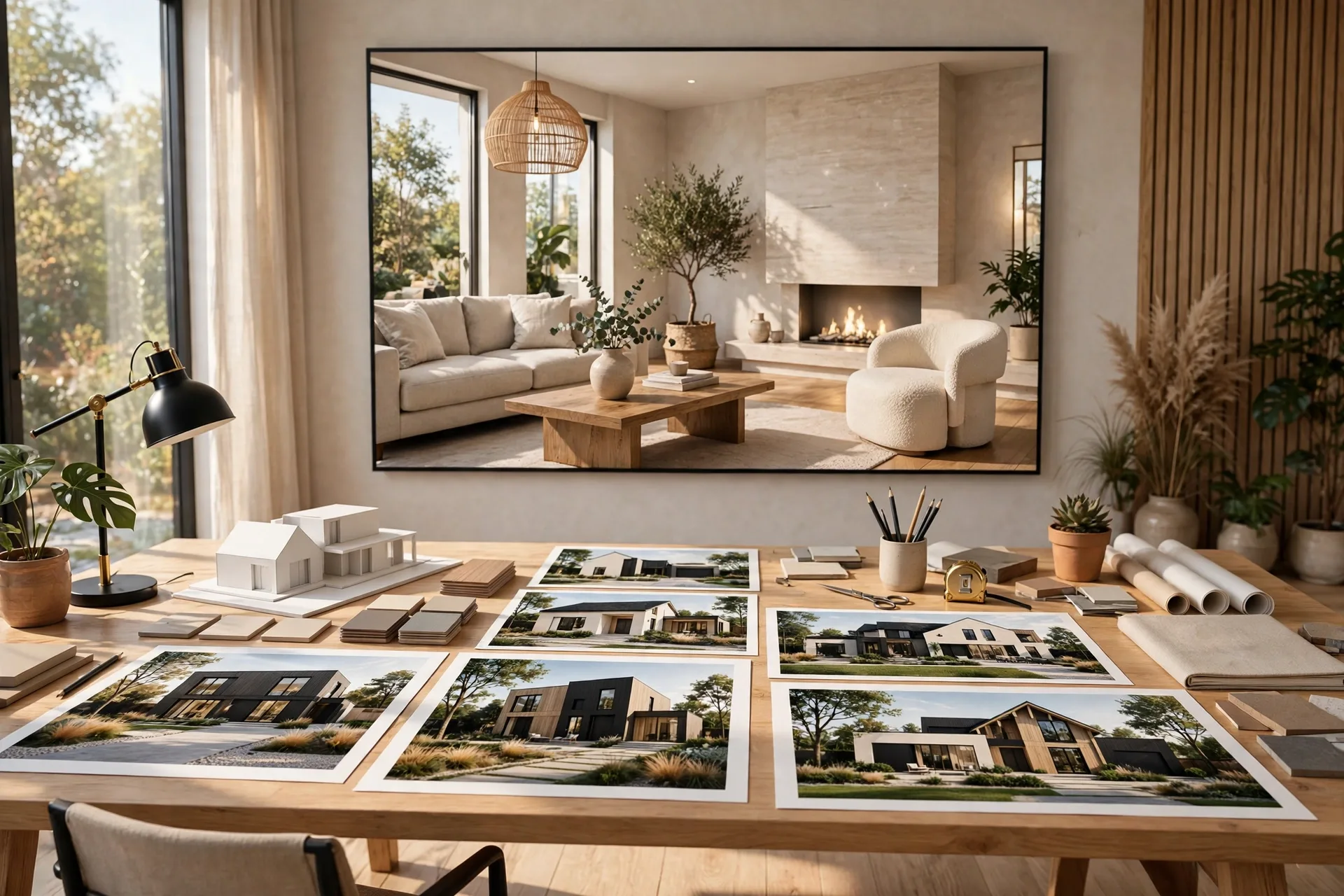
3D Rendering Portfolio Tips That Win Clients in 2026
A client deciding between two rendering studios rarely compares prices first. They open both portfolios, scroll for thirty seconds, and pick the one whose images they trust. That is the whole job of a 3D rendering portfolio: to turn a stranger into a client before a single email is exchanged. A weak portfolio costs you work you never hear about, because the clients who leave never tell you why. A strong one answers their doubts, shows the work they need, and makes your quote feel safe. This guide covers how many images to show, which views to include, how to order them, and the mistakes that lose you work.
What Clients Actually Look For in a Portfolio
Clients do not judge your portfolio the way other artists do. They ask three simple questions: can this studio do my kind of project, will the result look real, and can I trust them to deliver on time. Every image should answer at least one of those questions. A photorealistic exterior of a house like theirs answers the first. A close-up of wood grain, stone, or glass answers the second. A project page that lists the timeline and deliverables answers the third. Our guide to rendering for architects explains the business case behind it. The most common error is filling a portfolio with the work you enjoyed most, instead of the work your next client needs to see. If your target clients are developers selling apartments, a beautiful villa render is almost useless to them. Show the project types you want more of. A portfolio is a sales tool, not a scrapbook.
How Many Images, and Which Views
A portfolio with five images looks empty, and a portfolio with two hundred images looks unedited. The sweet spot is 20 to 40 finished images across 8 to 12 projects, with 2 to 4 views per project: enough to prove range without asking a visitor to scroll forever. For each project, pick views that show different skills: one hero exterior or main interior, one detail shot that proves material quality, and one wide angle for scale. A villa needs a front exterior at dusk, a living room, and a pool or garden view. An apartment needs a living room, a kitchen, and a bedroom. A commercial project needs a storefront, an interior, and a lighting detail. If you only show one angle per project, the client cannot tell whether you can handle the rest of the job. Variety inside a project matters as much as variety across projects, and every image should be finished at full quality, not a test render. One unfinished image makes a visitor doubt all the others. Our realism guide covers the lighting, materials, and camera rules that separate a finished image from a draft.
Order Matters: Lead With Your Strongest Work
Most visitors decide in the first three images, so your best work goes first, not last, and not in chronological order. Open with the single image that would win you the job on its own: the twilight exterior, the hotel lobby, the kitchen that looks photographed. The second and third images should show range, a different project type and a different style, so the visitor knows you are not a one-trick studio. After that, group the rest by project type, so a developer finds all the residential work together and a hotel client finds all the hospitality work together. Never bury your best image at the end. Inside a project page, lead with the hero view, then the supporting views. If a project is in a niche you no longer want, leave it out. Refresh the order every few months, because your strongest work changes as you improve.
Show Range, but Keep a Clear Style
Clients want to see that you can handle their project, and what your work looks like. Too narrow, and you look like a specialist who cannot handle anything else. Too scattered, and you look like a studio with no identity. The fix is to show range inside a consistent style. Your residential, commercial, and hospitality work can share the same warm light, honest materials, and clean composition, even though the projects differ. That consistency makes a portfolio feel professional, and it is what clients remember. When a visitor sees your tenth image and it still feels like your work, you have a style. When every image feels like a different studio made it, you have a collection. Pick three or four project types you want more of, and show two or three strong projects in each. If a type does not fit your style or market, leave it out, even if the render is good. A portfolio that tries to please everyone pleases no one.
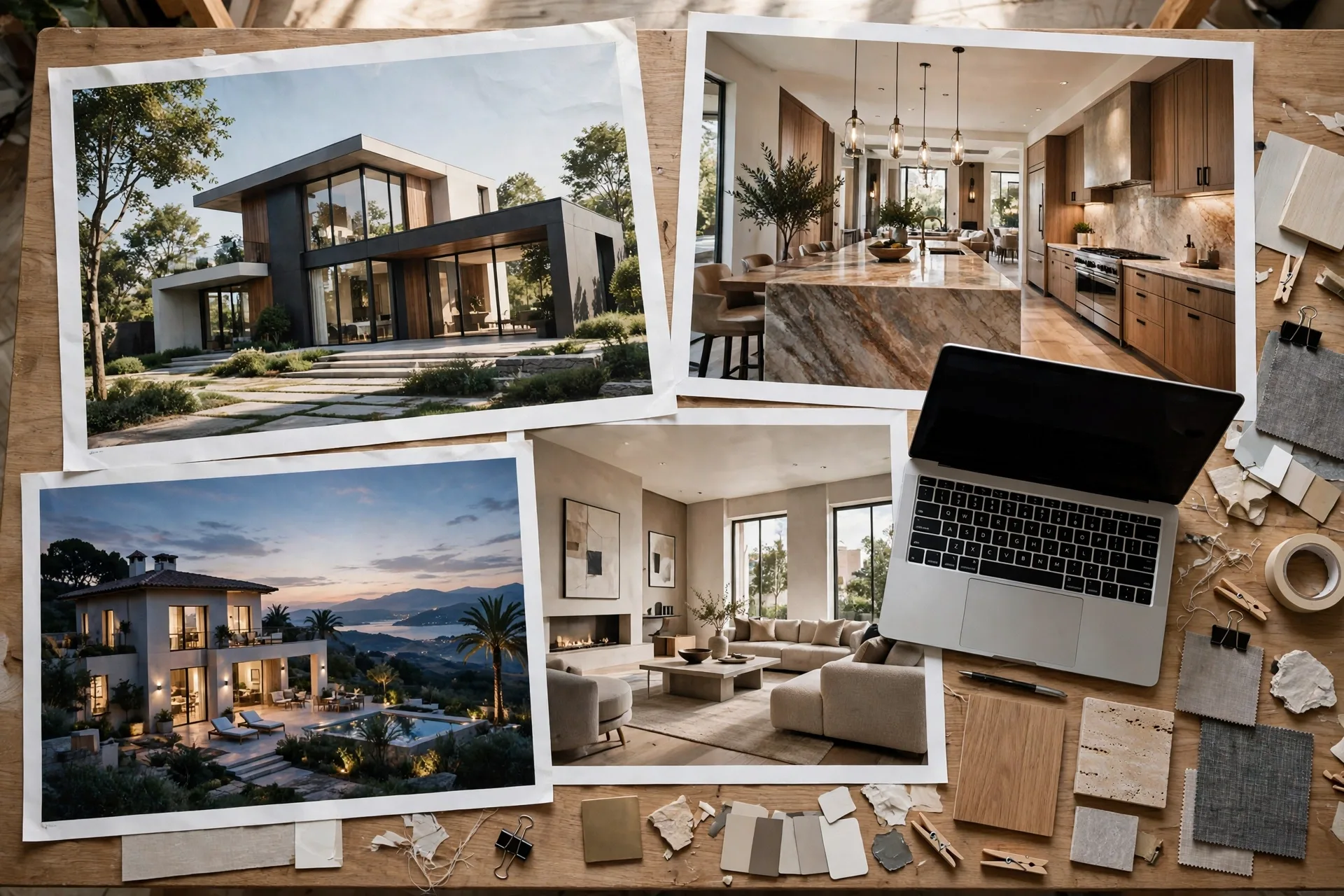
Present Every Project Like a Case Study
An image alone tells a client what you made. A short case study tells them how you work, and that is what closes the deal. Under each project, add four short lines: what the client needed, what you delivered, how long it took, and what happened next. A line like "Developer needed six launch images for a 40-unit apartment scheme. Delivered in 12 days. 80 percent of units reserved before construction started." is worth more than three extra renders, because it gives the next client a result they can imagine. Include the facts a buyer cares about: views, turnaround, formats delivered, and purpose, whether a sales launch, a planning application, or an investor pitch. Name the client if they agree, otherwise describe the project type. Never invent results, and never show work you do not have the rights to show. If a project was white label work for another agency, get written permission or leave it out. Our developer rendering guide shows the launch package clients ask for. Keep each case study under 100 words.
The Portfolio Mistakes That Lose Clients
The fastest way to lose a client is a portfolio that makes them work to trust you. First, showing unfinished work: test renders, clay models, and software screenshots belong in a tutorial, not a portfolio. Second, using the same view ten times with tiny changes: it looks like you only have one idea. Third, no context: an image with no project name, no description, and no date feels anonymous, and anonymous work feels untrustworthy. Fourth, images too small or compressed to zoom in on: a client will assume you are hiding something. Fifth, a portfolio of only exteriors or only interiors, which tells the client you can only do half the job. Sixth, copying another studio's work, which is discovered fast in a small industry and ends a reputation overnight. Seventh, never updating: a 2021 date on every image tells a visitor the studio may not be active. Fix these seven, and your portfolio already beats most competitors. Our camera angles guide is a useful check before you publish.
Where to Host Your Portfolio
A portfolio needs to live where a client can find it in one click from your website, your email signature, and your social profiles. Your own website is the home base: a clean grid, fast loading, and a project page for each job. Social media is the discovery channel: Instagram and Behance bring new visitors, but they should always link back to your site, because a social feed is not a portfolio and a client cannot request a quote from a feed. A PDF portfolio still matters for email and meetings: keep a 10 to 15 page version, under 10 megabytes, with your best 12 images and your contact details. Update all three at the same time, so a project on Instagram is always on your website too. Make sure every image loads fast and looks right on a phone. Our briefing checklist is the page to link beside your portfolio, so a client who likes what they see can send a proper brief in the same visit. A portfolio without a clear next step is a gallery, and a gallery does not win work.

Frequently Asked Questions
How many images should a 3D rendering portfolio have?
Show 20 to 40 finished images across 8 to 12 projects, with 2 to 4 views per project. Fewer looks thin, and more means visitors stop scrolling before your best work.
What should I put in my portfolio if I am just starting out?
Build 3 to 5 personal projects in the niches you want, such as a modern villa, an apartment interior, and a small commercial space, and label them clearly as personal work. Three strong personal projects beat ten weak client projects.
Should I show my prices in my portfolio?
You do not need exact prices, but a starting price or range filters out clients who cannot afford you. If you prefer not to publish prices, add a clear "request a quote" button beside the portfolio.
How often should I update my rendering portfolio?
Update it every time you finish a project you are proud of, and review the whole portfolio every three months. Remove your weakest image each time you add a stronger one, so the portfolio improves instead of growing endlessly.
Can I show white label work in my portfolio?
Only with written permission from the agency or client who commissioned it. Without permission, leave it out. Showing work you have no rights to can end a business relationship and damage your reputation.
Do clients care about the software I use?
Most clients do not care which software produced the image. They care about the result, the turnaround, and the price. Mention your tools briefly on an about page, and let the images do the talking.
Your portfolio is the hardest-working page you own. It sells while you sleep, answers questions before a client asks them, and decides whether your quote gets read or ignored. Build it around the work you want more of, lead with your strongest image, present each project as a short case study, and keep it updated. If you want your next project to become a portfolio piece, send us your drawings and we will build the views that win your next client.
Written by
Architecture Designing Team
3D Visualization Studio