Best Camera Angles for Architectural Renders
Camera angle is the single most underrated decision in architectural rendering. Two renders of the same building can tell completely different stories depending on where the camera stands, how high it sits, and which lens it uses. A low angle makes a house look monumental. A high angle makes a development feel orderly and complete. This guide covers the camera angles professional visualization studios use every day, with focal lengths and heights that work.
Why Camera Angle Matters More Than Render Quality
Clients do not judge a render by its polygon count or its global illumination settings. They judge it by feeling. The camera decides what the viewer notices first, how large a space feels, and whether a building looks inviting or imposing. A render engine can produce perfect light and materials, but if the camera is placed at a random height in the middle of a room, the image will still look wrong. Professional studios spend as much time on camera placement as on lighting, because the camera is the composition. Before you touch a single material, walk your virtual camera around the model and find the view that sells the design.
The Eye-Level Three-Quarter View
The eye-level three-quarter view is the workhorse of exterior rendering. The camera stands at human eye height, about 1.6 to 1.7 meters, and looks at the building from an angle that shows two sides at once, usually the front and one side facade. This is how people actually see buildings in real life, which is why it feels instantly believable. It shows depth, reveals the entrance, and gives the facade dimension instead of a flat elevation look.
Use a focal length between 24mm and 35mm for this view. Wider than 24mm and vertical lines start to bend, making walls lean. Longer than 35mm and the building compresses into a flat postcard. Keep the camera level, never tilted up or down, unless you are deliberately aiming for drama. A tilted camera creates converging verticals, where a building looks like it is falling backward, and it is the fastest way to make a render look amateur.
The Low Angle Hero Shot
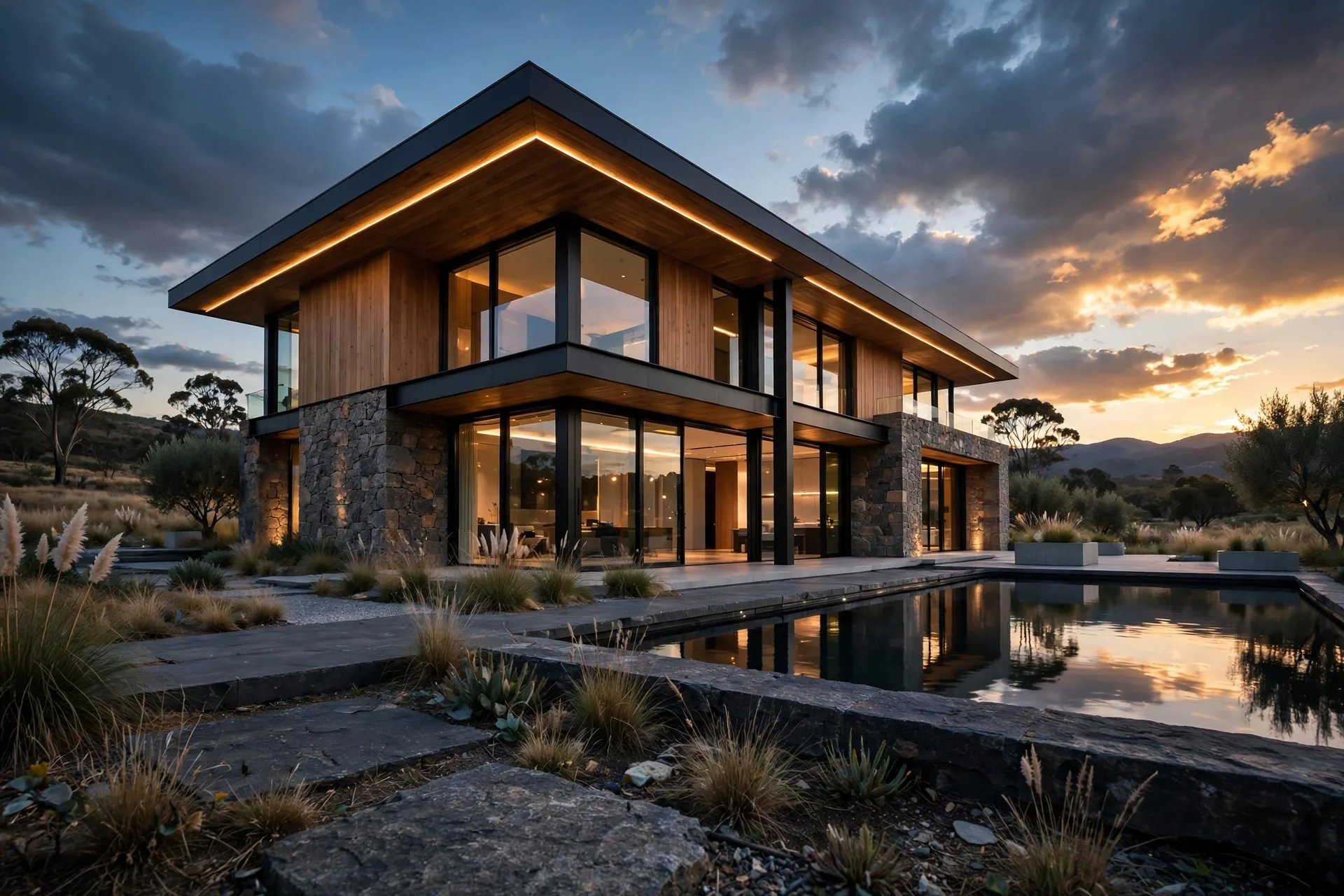
When a building needs to feel grand, lower the camera. A camera at 0.8 to 1.2 meters, looking slightly upward, makes a house or tower feel taller, stronger, and more monumental. It works best for modern houses with strong rooflines, apartment towers, and commercial buildings with impressive entrances.
The low angle has one trap: it exaggerates perspective. At very low heights with a wide lens, the building can look distorted and top-heavy. The fix is to step back and use a longer focal length, 35mm to 50mm, and apply vertical correction so the walls stay straight. Also watch the foreground: a low camera puts lawns, driveways, and planting right in front of the lens, which adds depth and frames the building naturally. For more on making exteriors look photographic, see our guide on how to make renders look realistic.
The Aerial and Bird's-Eye View
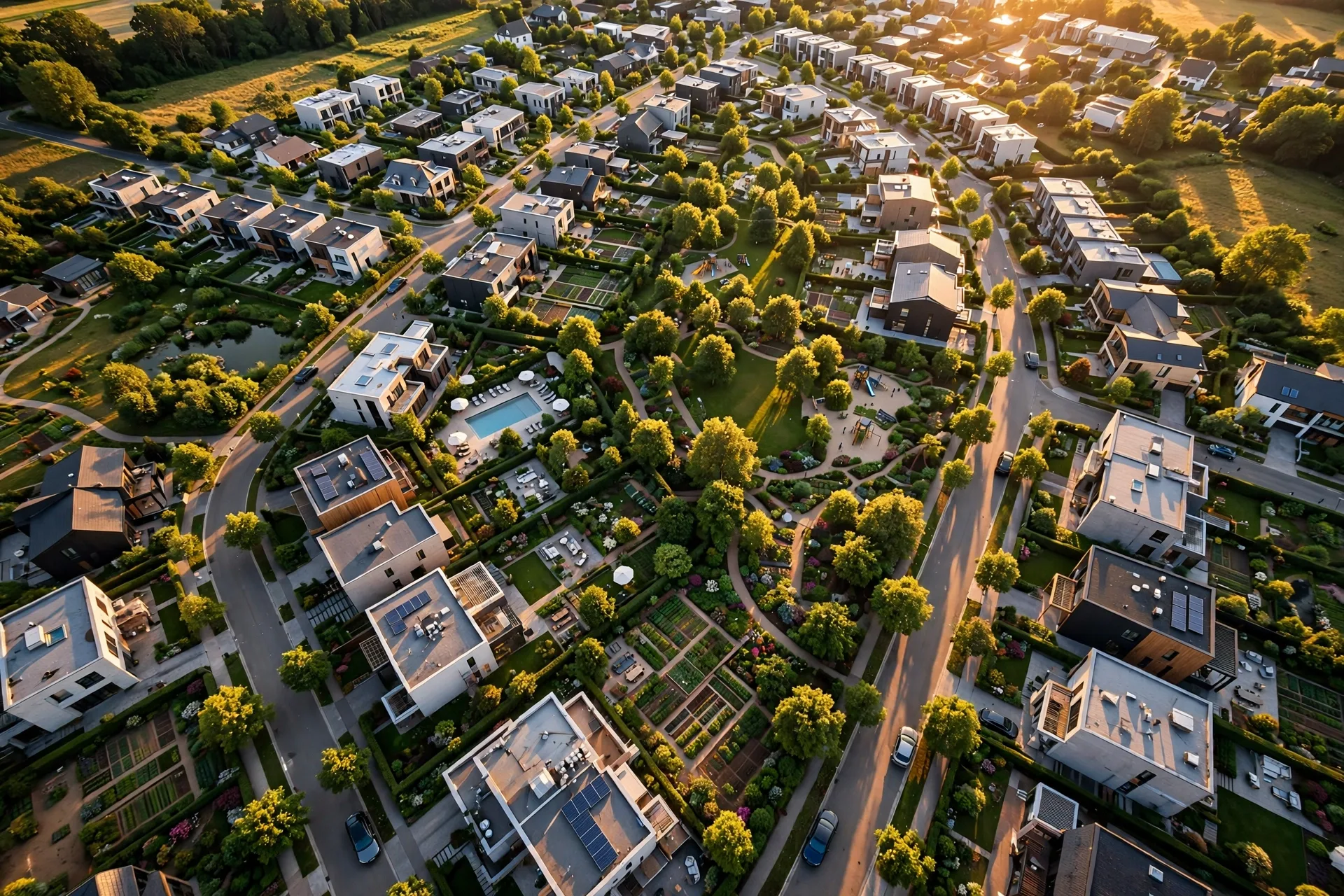
Aerial views answer a question no eye-level shot can: how does the whole site fit together? A camera placed 30 to 100 meters above the site, angled down at 30 to 45 degrees, shows the roof plan, gardens, driveways, parking, and neighbouring context in one image. Developers use aerials for masterplans, resorts, and housing estates.
There are two kinds of aerial. A true top-down view, straight down at 90 degrees, reads like a map and works well for site plans and sales brochures. A bird's-eye view at 30 to 45 degrees is more photogenic because it still shows facades and rooflines. For aerials, use a longer focal length, 50mm to 85mm, to avoid fish-eye distortion at the edges. Match the sun angle to the time of day shown in your other views, so the set feels consistent. Aerial views also pair well with our exterior rendering cost guide when you are budgeting a full marketing set.
Interior Angles: One-Point, Two-Point, and Corner Views
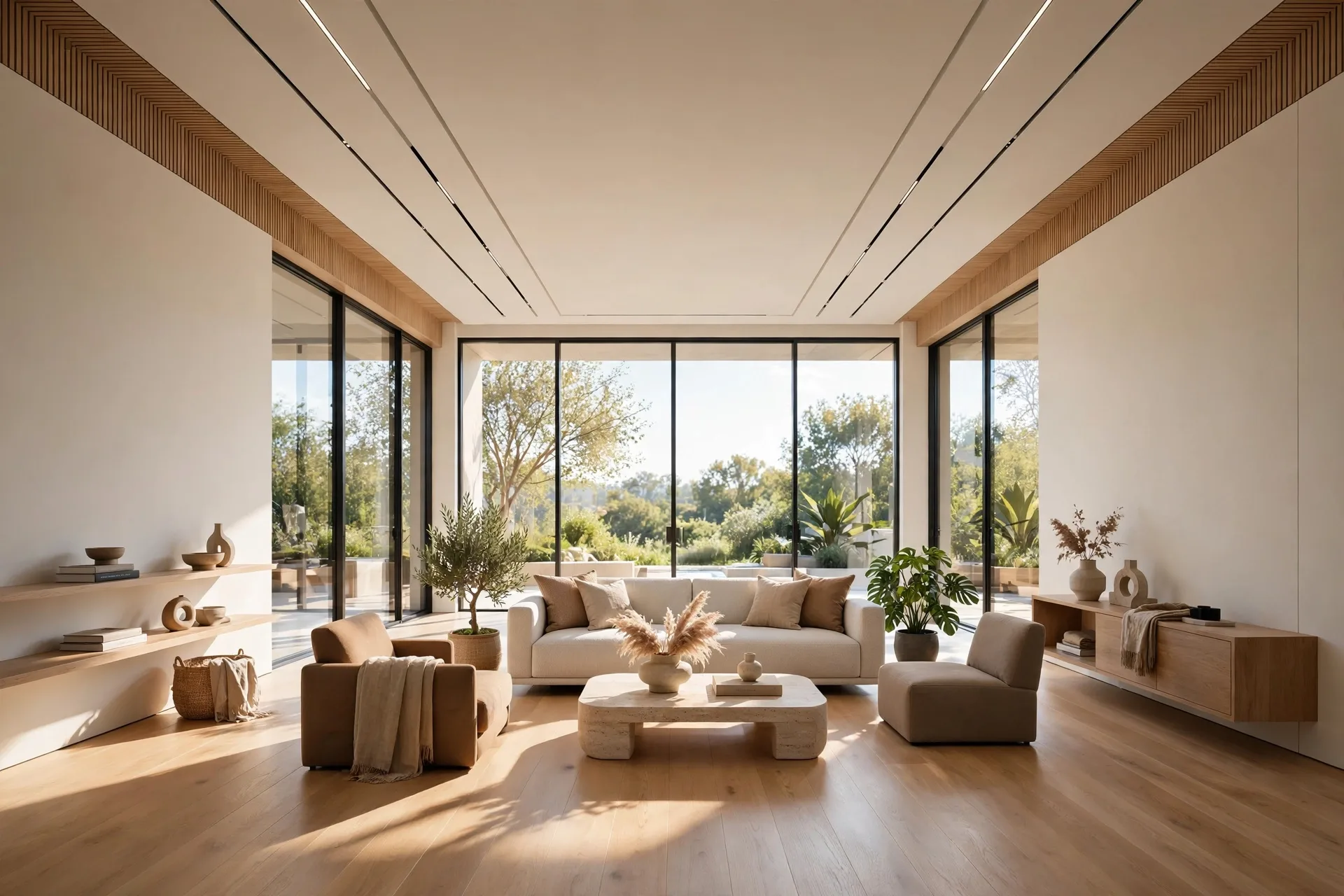
Interior renders follow different rules. The one-point perspective view, where the camera faces a wall straight on and all lines converge to a single vanishing point, is the calmest and most formal interior angle. It suits bedrooms, bathrooms, and symmetrical living rooms. Place the camera at 1.4 to 1.6 meters, keep it level, and centre the composition on the room's main feature, such as a fireplace, a window wall, or a kitchen island.
The two-point perspective view is the most common interior angle overall. The camera sits in or near a corner, angled so two walls are visible, and the room opens up diagonally. This angle shows more of the space and feels natural because it mimics standing in a doorway. Use 20mm to 28mm for small rooms, and 28mm to 35mm for large open-plan spaces. Wider lenses make rooms feel bigger, but below 20mm the distortion becomes obvious: furniture stretches at the edges and straight lines bend.
Corner views deserve special care. Do not place the camera exactly in the corner, or the two walls will split the frame evenly and the image will feel static. Shift the camera a little to one side so one wall dominates and the other supports. Keep the camera height at seated eye level, around 1.2 meters, for cosy rooms, and standing eye level for kitchens and double-height spaces. Our realistic interior lighting guide pairs with this section, because angle and light together decide whether an interior feels real.
Focal Length Rules That Keep Renders Photographic
Focal length is the hidden setting behind most bad renders. Beginners default to the widest lens available to fit more in, and the result is stretched furniture, leaning walls, and a video game look. The professional rule is simple: use the longest focal length that still fits the scene. For exteriors, 24mm to 50mm covers almost everything. For interiors, 20mm to 35mm is the working range. Anything below 18mm should be a deliberate stylistic choice, not a default.
Also mind the crop. A render framed for a 16:9 website banner cannot simply be cropped to a square social post without recomposing the camera. Plan your aspect ratios before rendering, and if a client needs multiple formats, render slightly wider than needed so crops do not cut off key elements. Rendering at a higher resolution than the final output, covered in our render resolution guide, gives you that cropping flexibility without losing sharpness.
Common Camera Mistakes to Avoid
- Camera too high indoors: a camera above 1.7 meters indoors looks like a security camera. Keep it at human height.
- Clipping through walls: pulling the camera back through a wall to fit a room in is obvious when furniture gets cut. Use a wider lens or remove a wall section cleanly instead.
- Dead-centre compositions: placing the subject exactly in the middle of every frame gets boring fast. Use the rule of thirds for at least some views.
- Ignoring the foreground: renders with nothing between the camera and the subject feel flat. A plant, furniture, or a tree branch in the foreground adds depth instantly.
- Inconsistent eye levels across a set: if one exterior view is at 1.6 meters and the next is at 12 meters with no reason, the set feels disjointed. Keep eye-level views consistent.
- Too many angles: ten mediocre views are worse than four excellent ones. Choose the angles that sell the design and polish those.
How Studios Plan a Camera Set for a Project
A typical residential marketing set uses four to six views: one eye-level three-quarter hero, one low-angle hero for drama, one rear or garden view, one aerial or context view, and two or three interiors covering the living space, kitchen, and master bedroom. Commercial projects add an entrance view and a lobby interior. Before rendering, studios send the client simple preview views, one per camera, for approval. This step takes an hour and saves days of re-rendering, because angle changes after final rendering mean starting over.
Turnaround also depends on the angle plan. Still views typically take one to three days each in a professional pipeline, and a full set of six views is usually delivered within one to two weeks.
FAQ
What is the best camera angle for a house exterior render?
The eye-level three-quarter view is the safest and most effective default. At 1.6 meters height with a 24mm to 35mm lens, it shows two facades, the entrance, and the landscaping the way a visitor would see them.
What focal length should I use for interior renders?
Use 20mm to 28mm for small rooms and 28mm to 35mm for large open-plan spaces. Avoid going below 18mm, where furniture stretches and straight lines bend noticeably.
How do I stop buildings looking like they are leaning backward?
Keep the camera level and use vertical shift or two-point perspective correction, available in V-Ray, Corona, Lumion, and most other renderers. This keeps vertical lines straight even when framing tall buildings.
When should I use an aerial render?
Use aerials for developments, masterplans, resorts, and any project where site layout, landscaping, and context matter. A bird's-eye view at 30 to 45 degrees is more photogenic than a straight top-down view.
How many camera angles does a typical project need?
Four to six views cover most residential projects: a hero exterior, a second exterior or garden view, an aerial or context view, and two to three interiors. More views add cost and time without always adding sales value.
Should I approve camera angles before final rendering?
Yes. Ask your studio for preview views of each camera before final rendering. Approving angles early is the cheapest way to avoid re-renders, because changing a camera after final rendering means rendering that view from scratch.
Final Thoughts
Great camera work is invisible. When the angle is right, viewers notice the architecture, not the camera. Start with the eye-level three-quarter view, add a low hero and an aerial for context, keep focal lengths in the photographic range, and approve your camera set before final rendering. If you are planning a project and want a camera plan built around your design, get in touch with our studio for a tailored quote.
Written by
Architecture Designing Team
3D Visualization Studio