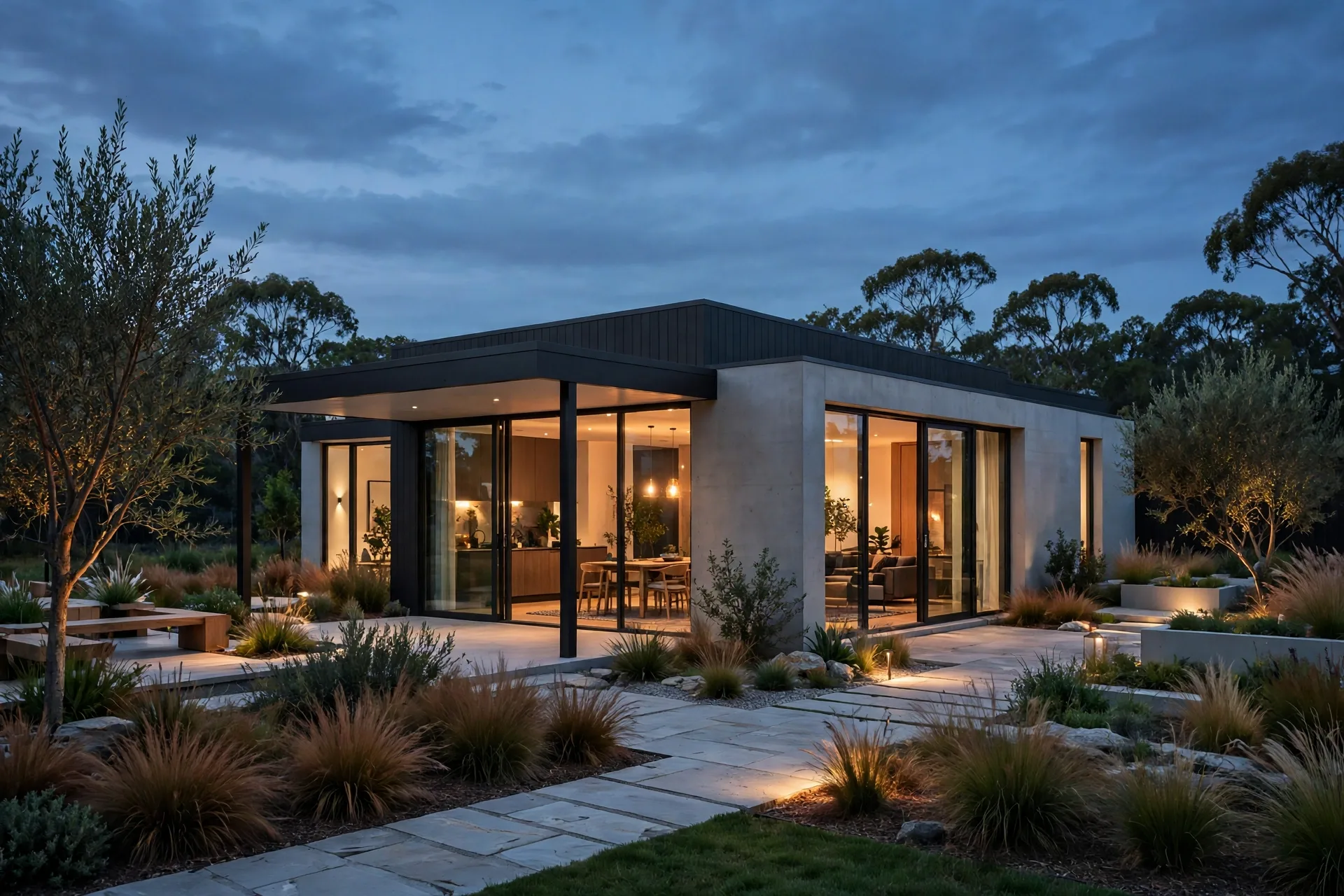
3ds Max Archviz Workflow: Model to Photoreal Render
3ds Max remains the workhorse of professional architectural visualization for a simple reason: it handles huge, messy, real-world projects without falling over, and it pairs with the two renderers most studios trust, V-Ray and Corona. Yet beginners often blame the renderer for images that were actually lost much earlier, in a sloppy model, careless materials, or lighting added as an afterthought. This guide walks through that sequence the way a working studio runs it, with practical settings and the mistakes that cost the most time when skipped.
Start with a clean, correctly scaled model
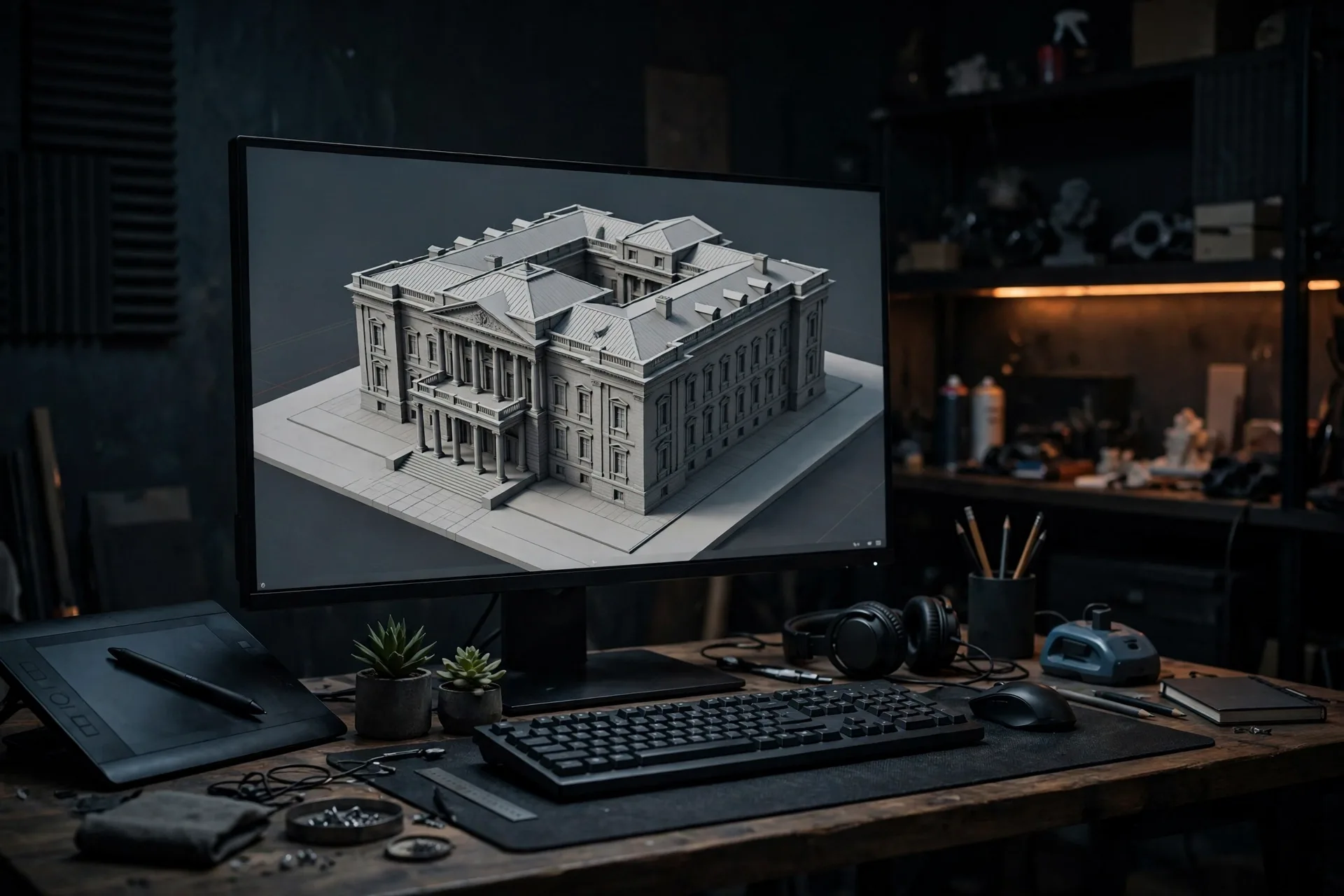
Every photoreal render starts with boring housekeeping. Set your system units before you import anything, usually centimetres or metres, and check that the imported CAD plan or SketchUp model measures correctly. A wall that is 3 metres tall in the drawing but 300 units tall in Max will break every material scale, light intensity, and camera setting downstream, and the error is painful to chase later. Import only what the camera will see and purge unused materials, since a scene that takes minutes to open will take hours to iterate on.
Model with the camera in mind. Build detail where the lens will look and simplify everywhere else. A hero facade deserves modelled window frames, mullions, and reveals, while a distant neighbouring building can be a simple textured box. Use layers to separate structure, glazing, furniture, and landscaping so you can hide whole groups during test renders. For repeat elements such as windows or chairs, use instances rather than copies, so a single edit updates the whole scene. If the project is large, split it with XRef scenes so a plan revision updates one file instead of rebuilding the render.
Materials that read as real, not just glossy
Photorealism lives or dies in materials. The most common beginner error is a material that is too perfect: a white wall with no texture, a wood floor with a single repeating image, glass that is simply transparent. Real surfaces have variation, roughness, and imperfection. Use physically based materials, Corona Physical Material or V-Ray Material, and always feed them proper maps: a diffuse or albedo map for colour, a roughness map for how light scatters, and a bump or normal map for surface relief. Keep map resolution proportional to camera distance: a 4K texture on a skirting board wastes memory, while a low-resolution brick map on a hero facade will look soft no matter how long you render.
Watch two settings above all others: scale and reflection. Set the real-world size of every bitmap, so bricks are brick-sized and floorboards are plank-sized, and use triplanar or box mapping only where it helps, never as a lazy default on visible surfaces. Keep reflections believable with subtle roughness variation and, for glass, a slight tint rather than a flat mirror. For help choosing between the two main Max renderers, read our best rendering software for architects in 2026 comparison, and if you are new to Corona, our Corona Renderer beginner guide covers its physical materials step by step. Test materials in a small isolated scene first, and save proven materials to a library so every project starts from assets you already trust.
Lighting: build daylight first, then add artificial light
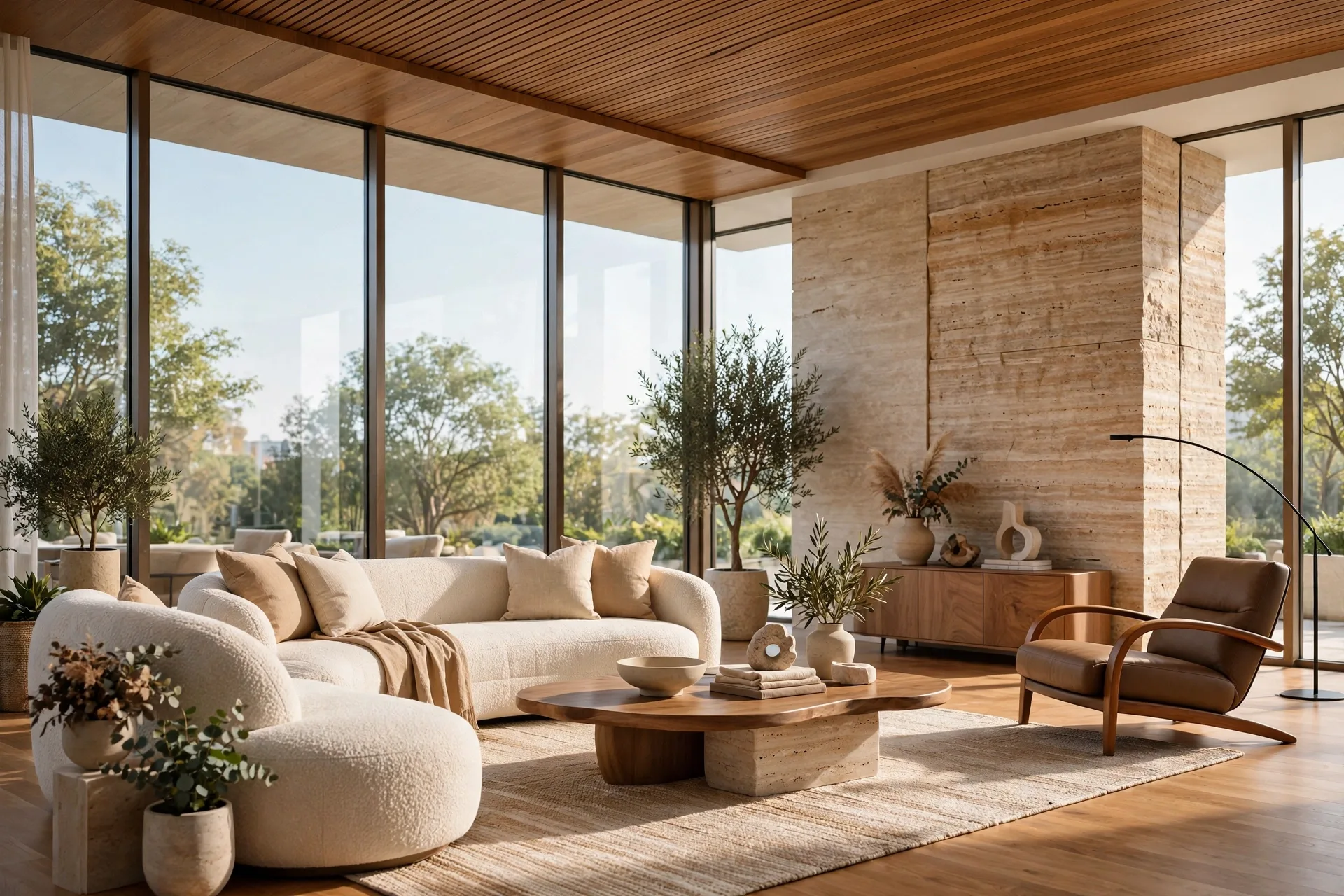
Light the scene the way the building will actually be lit. For exteriors, start with a sun and sky system matched to the location, date, and time of day, then refine with an HDRI only if you need a specific sky character or softer reflections. Midday sun gives crisp shadows but flat modelling, while late afternoon sun adds warmth and long shadows that reveal form. For interiors, daylight through windows does most of the work. Place the sun so light actually enters the room and creates a readable pattern on the floor, and only then add artificial lights to lift shadows and create evening warmth. A scene lit entirely by artificial lights, with no daylight logic, always looks staged.
Use light portals or area lights at large windows in interior scenes to guide the renderer efficiently, and keep artificial lights physically plausible: a ceiling downlight is a small, warm, directional source, not a giant omni light floating in the middle of the room. In Corona, LightMix lets you adjust individual lights after rendering, which saves entire re-renders when a client asks for a warmer evening mood. In V-Ray, the Light Mix render element does the same job. Render a lighting-only test first and judge it in greyscale: if the composition reads without colour, the lighting structure is sound.
Cameras and composition: shoot the building like a photographer
A render is a photograph, so think like a photographer. Set the camera at a believable eye height, around 1.5 to 1.7 metres for interiors and eye level or slightly above for exteriors, and correct vertical lines so walls do not lean. Wide-angle lenses distort: a 14mm view makes a room look huge but bends everything at the edges, while a 35mm to 50mm equivalent keeps proportions honest. For interiors, 24mm to 35mm is the practical range, and for exteriors, 28mm to 50mm usually flatters the building without caricature. Leave breathing room around the building and include foreground, such as planting or a path, to give depth.
Frame for the deliverable, not for the screen. A hero marketing image may need a wide landscape crop with space for text, while a planning submission needs an accurate, undistorted view from a documented viewpoint. Agree on the view list before rendering. Save cameras with clear names and lock them once approved, so the approved view always remains recoverable.
Render settings that save hours, not just minutes
Render in stages. First, a fast draft at low resolution with material override off but noise limit relaxed, to check composition, lighting balance, and obvious errors. Second, a medium test at half resolution with denoising on, to judge materials and fine light. Only then commit to the final render. Both V-Ray and Corona have excellent denoisers in 2026, and a well-lit scene denoised at moderate samples usually beats a brute-force render that ran all night. Set a noise limit and let the renderer stop when the image is clean enough.
Always render the elements you will need in post-production: a beauty pass, plus separate elements for reflection, refraction, lighting, and an object or material ID mask for selections. Rendering these costs little extra time and saves hours when a client asks to change a wall colour or darken a sky. For pricing context on what this level of production typically costs per view, see our 3D rendering cost per image breakdown, and for realistic schedules, our guide to how long 3D rendering takes in 2026. Keep final stills at a resolution matched to their use: 3000 to 4000 pixels on the long edge for marketing, higher only for large-format print, since needlessly huge renders cost time on every revision.
Post-production: finish, do not rescue
Post-production should finish a good render, not rescue a bad one. Start with the render elements: correct exposure and white balance, lift shadows gently, and add a subtle grade that unifies the image without turning it into a filter. Use masks to adjust single materials, for example warming timber or cooling glass, and keep adjustments restrained. The most common post-production mistake is over-sharpening and over-saturation, which makes an image look digital rather than photographic. Check the image at both full size and thumbnail size, since marketing images are usually first seen small.
Add entourage last and sparingly: people, cars, and planting should support the architecture, never compete with it. Match its lighting direction to the scene and avoid cut-out figures with mismatched shadows, which instantly break realism. Archive the layered Photoshop file and the Max scene with the project, so a later extra view is a one-day job, not a rebuild.
Frequently asked questions
Is 3ds Max or SketchUp better for archviz?
SketchUp is faster for early massing, and our V-Ray for SketchUp beginner guide is a good starting point there. 3ds Max wins for large, detailed, production-grade projects and animation, because it handles heavy scenes and render elements far more comfortably.
Should I use V-Ray or Corona in 3ds Max?
Both produce excellent photoreal results. Corona is easier to learn, with fewer settings and very forgiving defaults, which suits small studios and solo artists. V-Ray offers deeper control, faster GPU options, and a broader feature set for animation and large productions. Many studios keep both and choose per project.
How long does a 3ds Max archviz project take?
A single interior still typically takes two to four working days from approved drawings, while a set of exterior views takes three to seven days. Animation adds substantially more time, since every second of video is 24 to 30 rendered frames.
What hardware do I need for 3ds Max rendering?
A modern multi-core CPU, 32GB of RAM as a minimum and 64GB for large scenes, and a fast NVMe drive are the practical baseline in 2026. CPU renderers use the processor, so invest there first, and use a render farm for deadline work.
Why do my renders look flat or CG?
The usual causes, in order, are lighting with no clear direction, materials without roughness variation, cameras placed too high or too wide, and missing contact shadows where objects meet surfaces. Fix lighting and materials first, since post-production cannot add a sense of depth that was never rendered.
Can a beginner learn 3ds Max archviz in a few months?
Yes, with focused practice. Learn modelling and one renderer deeply, complete three full projects end to end, and study real photography for lighting and composition. Most artists produce client-ready stills within three to six months.
Done well, this workflow is a repeatable craft: a clean model, honest materials, daylight-led lighting, photographic cameras, staged rendering, and restrained post-production. Each step protects the next, and skipping one always costs more time later than doing it properly now. If you would rather hand your project to a studio that runs this workflow every day, contact our team with your drawings and a short brief, and we will reply with a fixed quote, a view list, and a realistic delivery date.
Written by
Architecture Designing Team
3D Visualization Studio