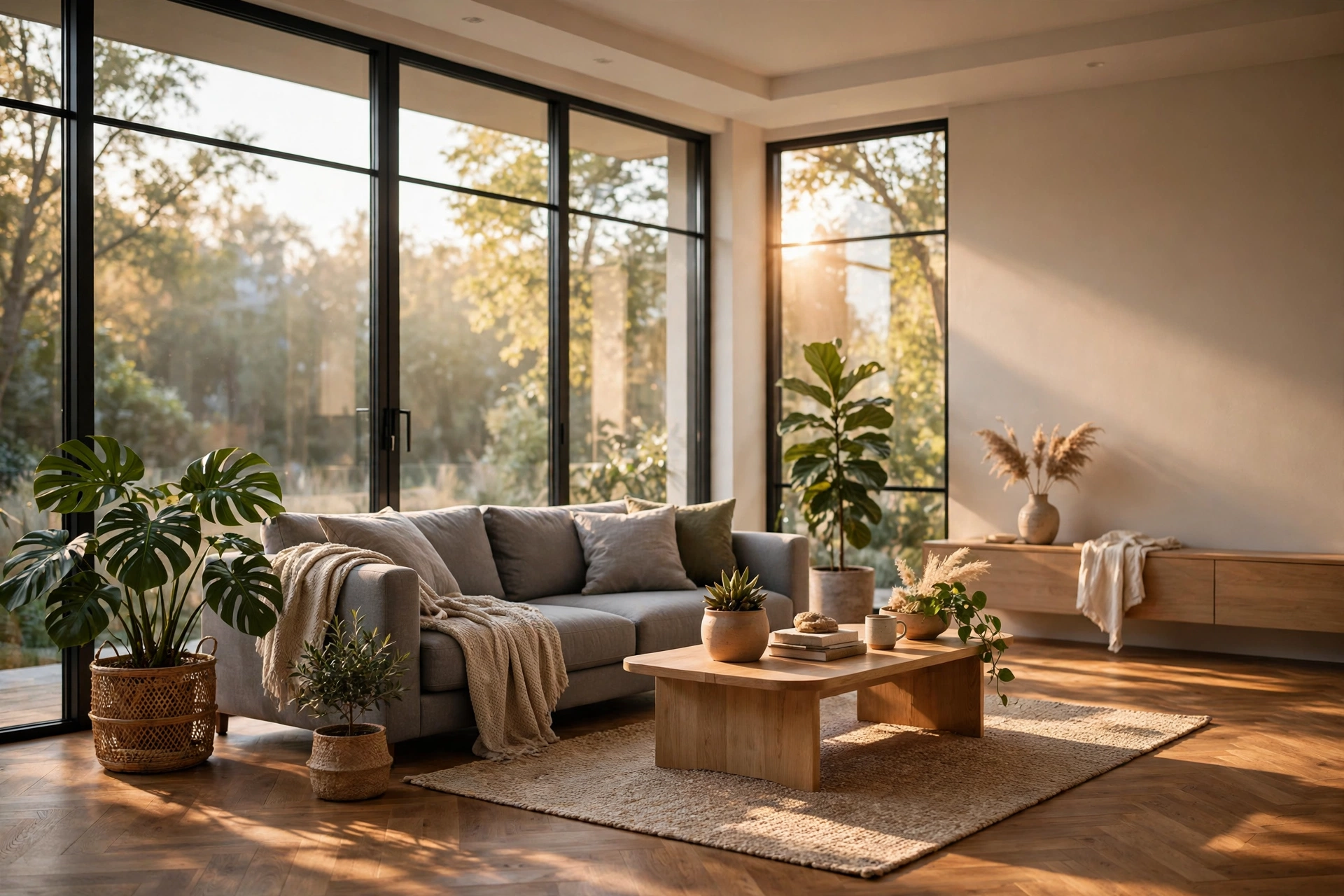
12 Rendering Mistakes That Kill Photorealism
Two renders of the same room can look completely different. One looks like a photograph. The other looks like a video game from ten years ago. The difference is rarely the software. Lumion, V-Ray, Corona, Enscape and D5 Render can all produce photorealistic work. The difference is usually a handful of small mistakes that stack up: flat light, plastic materials, a camera placed too high, or post-production pushed too far. This guide covers the 12 rendering mistakes we see most often in client work and student portfolios, grouped by lighting, materials, camera and finishing, with a practical fix for each one.
Lighting Mistakes That Flatten a Render
1. One light source doing all the work. A single ceiling light or a single sun with no fill light creates harsh shadows and dead corners. Real rooms are lit by many sources at once: daylight through windows, bounce light from floors and walls, lamps, and reflected sky light. Add a soft ambient or sky light, then layer task lighting on top. Even a low-intensity fill light can rescue a flat interior.
2. Wrong colour temperature. Daylight sits around 5500 to 6500 Kelvin, warm evening lamps sit around 2700 to 3000 Kelvin, and mixing them without thinking makes a room look sickly or cold. Decide the time of day first, then keep your main lights consistent with it. If you mix warm lamps with cool daylight, do it deliberately, as in a dusk shot, not by accident. Our guide to realistic interior lighting in renders explains the setups that work for daylight, dusk and evening scenes.
3. Shadows that are too sharp or missing. In the real world, shadows have soft edges because light bounces and scatters. Razor-sharp shadows scream computer graphics, while missing contact shadows make furniture look like it is floating. Increase shadow softness, add ambient occlusion where your renderer supports it, and check that chairs, sofas and tables cast a subtle darkening where they meet the floor.
Material Mistakes That Make Surfaces Look Fake
4. Perfectly clean, perfectly flat materials. Real wood has grain variation, real concrete has pores, and real fabric has weave. A flat colour with no texture map looks plastic at any resolution. Use proper PBR texture sets with colour, roughness and bump maps, and keep the texture resolution high enough for the camera distance. A texture that looks fine from across a room will fall apart in a close-up.
5. Wrong material scale. This is the silent killer. A wood floor texture repeated ten times across a small room makes planks look like matchsticks. A brick texture stretched across a whole facade makes bricks look enormous. Always set real-world scale: a standard brick is about 215mm long, a floor plank is typically 120 to 200mm wide. Tile the texture in real units, not by eye, and check it in a test render before the final run.
6. Everything too glossy or too reflective. Beginners often push glossiness up because shiny looks premium. In reality, most surfaces are semi-matte: painted walls, matte wood, brushed metal and fabric all scatter light. Chrome, glass and polished marble are the exceptions, not the rule. Lower the gloss on everyday surfaces, add slight roughness variation, and save mirror finishes for the few materials that truly have them.
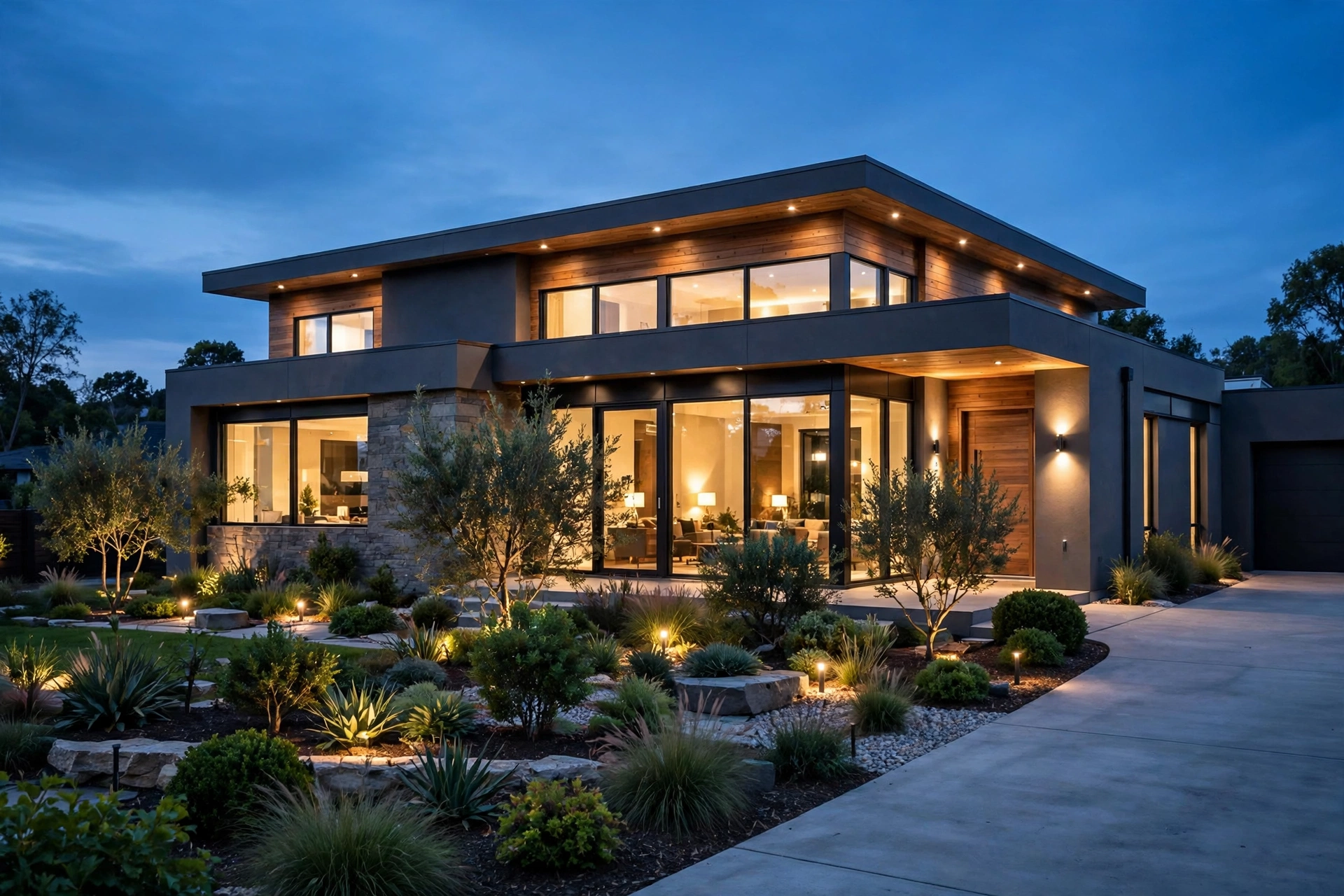
Camera Mistakes That Break Believability
7. Camera placed too high indoors. A camera at 2 metres or higher indoors looks like a security camera, not a person standing in a room. Keep interior cameras at 1.4 to 1.6 metres for standing views and around 1.2 metres for seated, cosy views. The same rule applies outside: a camera floating 10 metres above a garden with no reason looks like a drone shot, not a home a buyer can imagine living in.
8. Ultra-wide lens distortion. Fitting a whole room in by dropping to 14mm or 16mm stretches furniture at the edges and bends straight lines. Use 20mm to 28mm for small rooms and 28mm to 35mm for larger spaces, as explained in our guide to best camera angles for architectural renders. If a room still will not fit, remove a wall cleanly or move the camera into a doorway rather than distorting the lens.
9. No foreground, no depth. A render with nothing between the camera and the subject feels flat, however good the lighting is. A plant, a chair back, a tree branch or a kitchen counter in the foreground creates layers and tells the eye how deep the space is. Even a soft, out-of-focus foreground element adds a photographic quality that a clean, empty frame cannot match.
Finishing Mistakes That Undo Good Work
10. Overdoing post-production. Photoshop can fix a render, but it can also ruin one. Oversaturated colours, crushed blacks, heavy vignettes and over-sharpened edges are easy to spot. Aim for subtle finishing: gentle contrast, a small white-balance correction, and careful colour grading that matches the time of day. If a viewer notices the post-production before the architecture, you have gone too far.
11. Rendering at the wrong resolution. A low-resolution render printed large, or posted as a hero image, looks soft and cheap no matter how good the scene is. Plan the output size first: web hero images need at least 1920 pixels wide, print and large displays need 4K or higher. Our render resolution guide covers exactly what to use for web, print and billboards, and how resolution affects render time.
12. Skipping the test render and the fresh-eyes check. Rendering straight to final quality without small test renders wastes hours when a mistake is found late. Render at low resolution first, check light, scale and composition, fix problems, then commit to the final run. Then step away for an hour and look again with fresh eyes, or ask a colleague. You will spot the floating chair, the stretched texture and the leaning wall that you missed after staring at the scene all day.
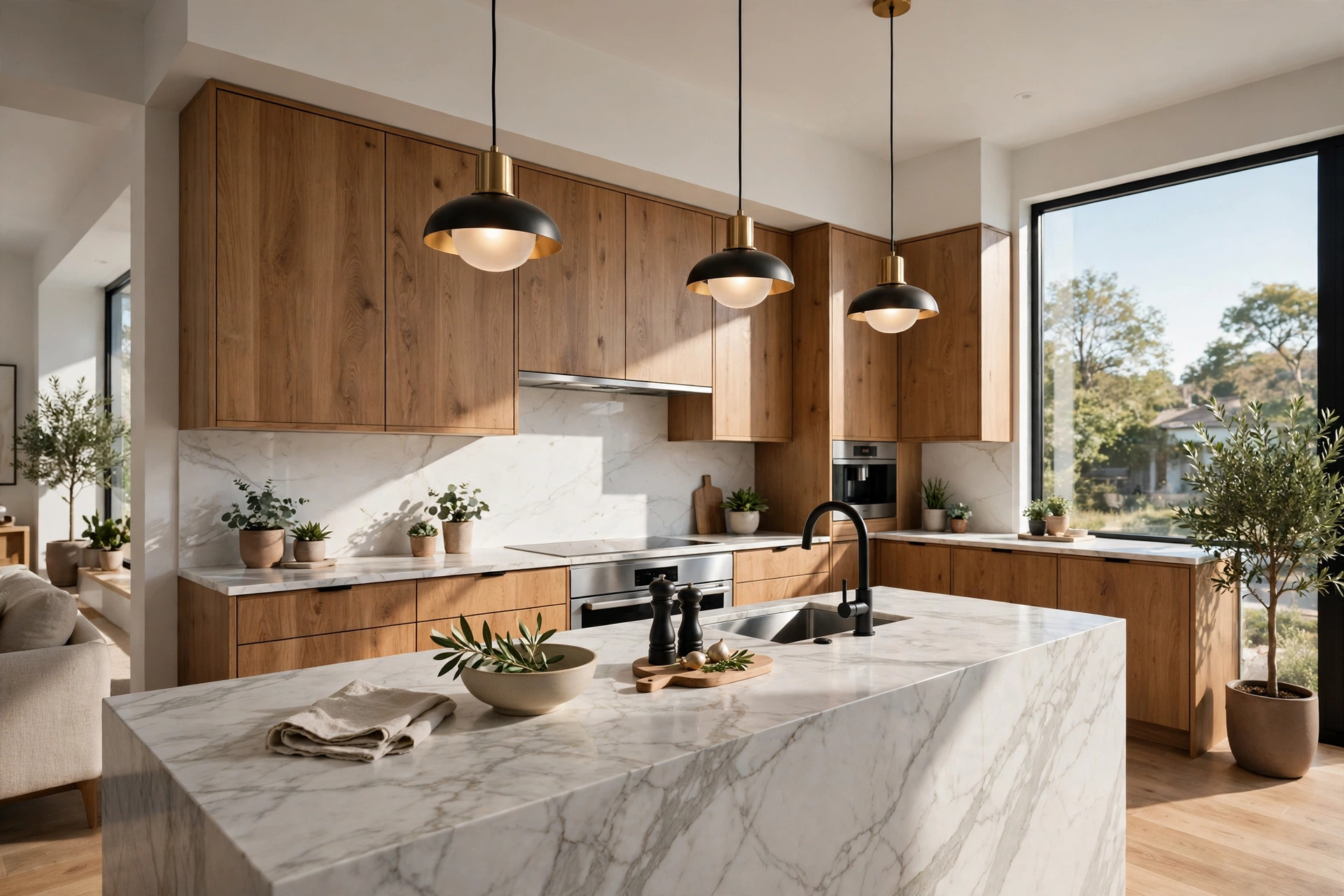
A Quick Fix Checklist Before Every Final Render
Run through this list before you press render for the last time. Is the light layered, with daylight, bounce and lamps working together? Are colour temperatures consistent with the time of day? Do all materials have texture, correct scale and believable roughness? Is the camera at human height with a photographic focal length? Is there a foreground element giving depth? Have you done a low-resolution test render? If you can answer yes to all six, your render is already ahead of most work online. For a broader set of positive techniques, see our guide on how to make renders look realistic.
One more habit separates professionals from beginners: naming the problem before fixing it. When a render looks wrong, resist the urge to change five settings at once. Change one thing, test render, and compare. If the light is the problem, fix the light. If the scale is the problem, fix the scale. Random changes hide the real cause and often create a second problem while the first one remains.
FAQ
What is the most common rendering mistake beginners make?
Flat lighting. A single light source with no fill, bounce or ambient light makes even a well-modelled scene look dull. Layer daylight, reflected light and lamps, and check shadows for softness and contact darkening.
Why do my materials look plastic in renders?
Usually because they lack texture variation and roughness control. A flat colour with high gloss reads as plastic. Add colour, roughness and bump maps, lower the gloss on everyday surfaces, and vary roughness slightly across the surface.
What focal length avoids distortion in interior renders?
Use 20mm to 28mm for small rooms and 28mm to 35mm for large open-plan spaces. Avoid going below 18mm unless distortion is a deliberate stylistic choice.
How do I fix a render that looks too dark?
First check exposure and ambient light before adding more lamps. Raise sky or ambient intensity slightly, lighten bounce surfaces, and only then add a fill light. Adding lamps one by one without checking exposure usually creates hot spots.
Should I fix mistakes in Photoshop or in the 3D scene?
Fix lighting, scale and camera problems in the 3D scene, because post-production cannot rebuild depth or correct geometry. Use Photoshop only for colour, contrast and small clean-up that the renderer cannot do better.
How long should I spend checking a render before final output?
Budget at least 15 to 30 minutes for test renders and a fresh-eyes review on a still image. That check routinely saves hours of re-rendering at final quality, especially on large or print-resolution projects.
Final Thoughts
Photorealism is not a single trick. It is the absence of mistakes: light that behaves like light, materials at real scale with real texture, a camera at human height, and finishing that stays invisible. Work through the 12 mistakes above on your next project, fix the two or three that apply most to your scene, and the jump in quality will be immediate. If you are preparing visuals for a launch, a planning application or a client presentation and want a studio pass on them, get in touch with our team for a tailored quote.
Written by
Architecture Designing Team
3D Visualization Studio